

Your menu: set it up once, show it everywhere.
Photograph your menu or upload the PDF. MesaSnap reads it, you review and approve. After that, your guests see it in their own language.
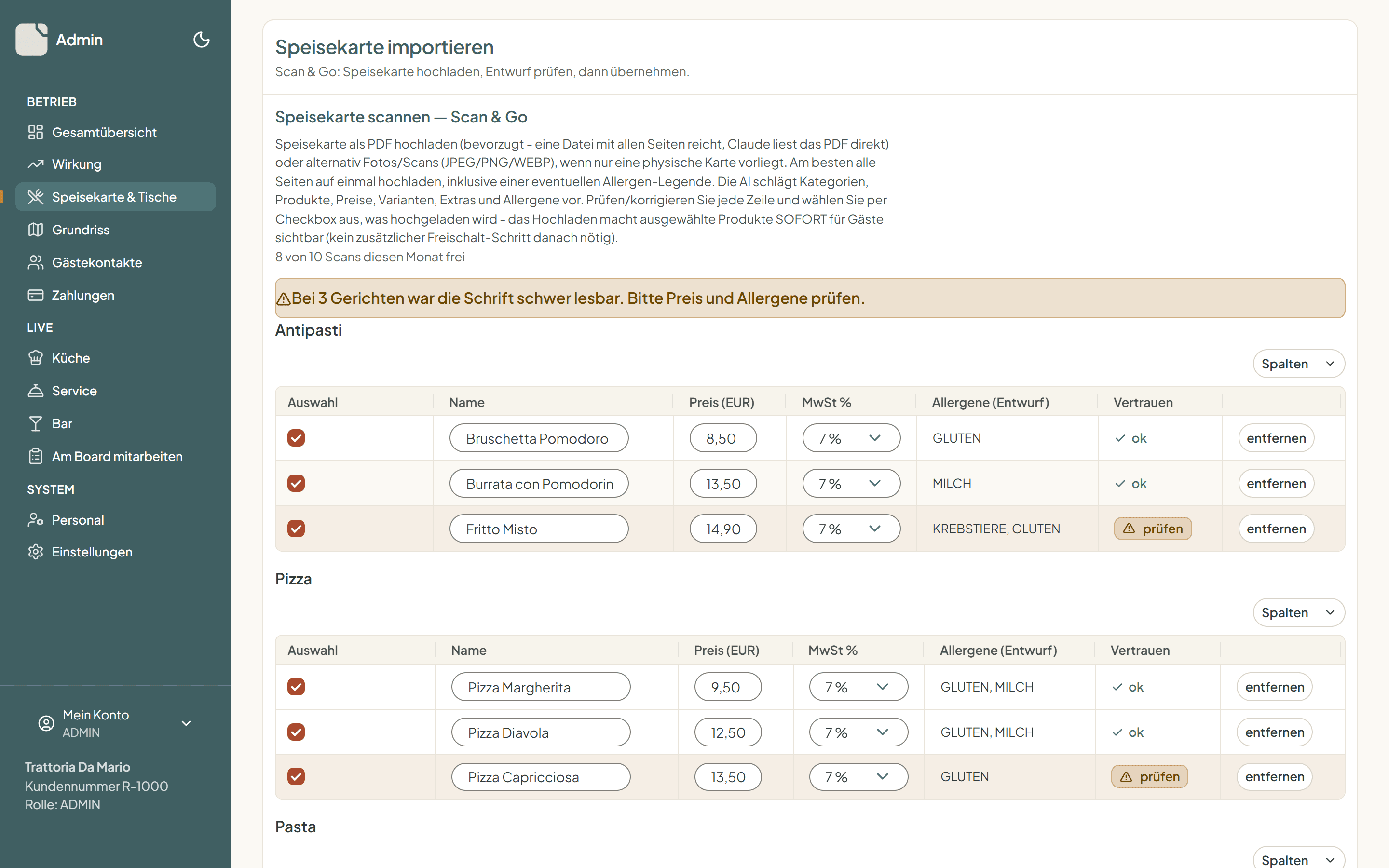
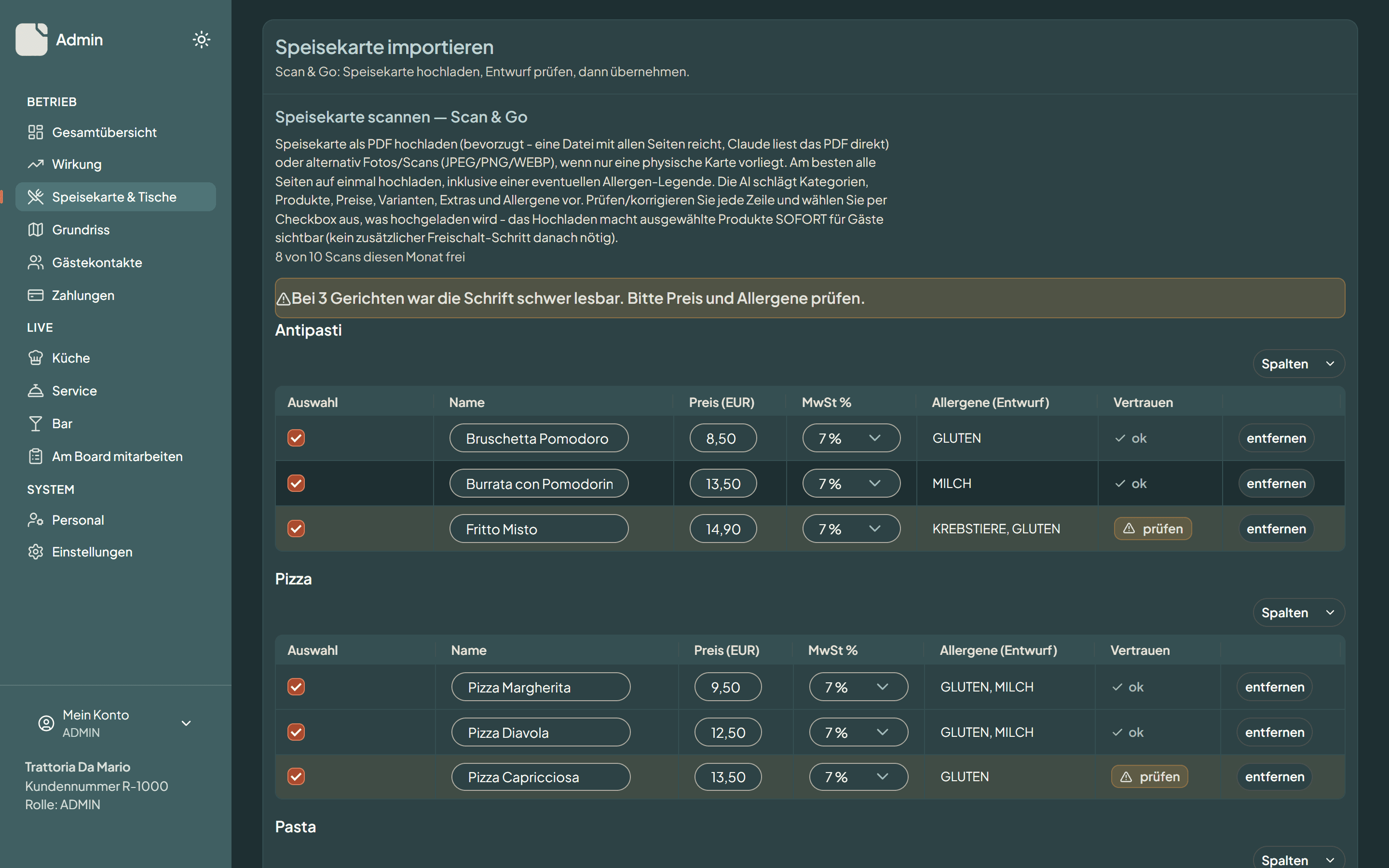
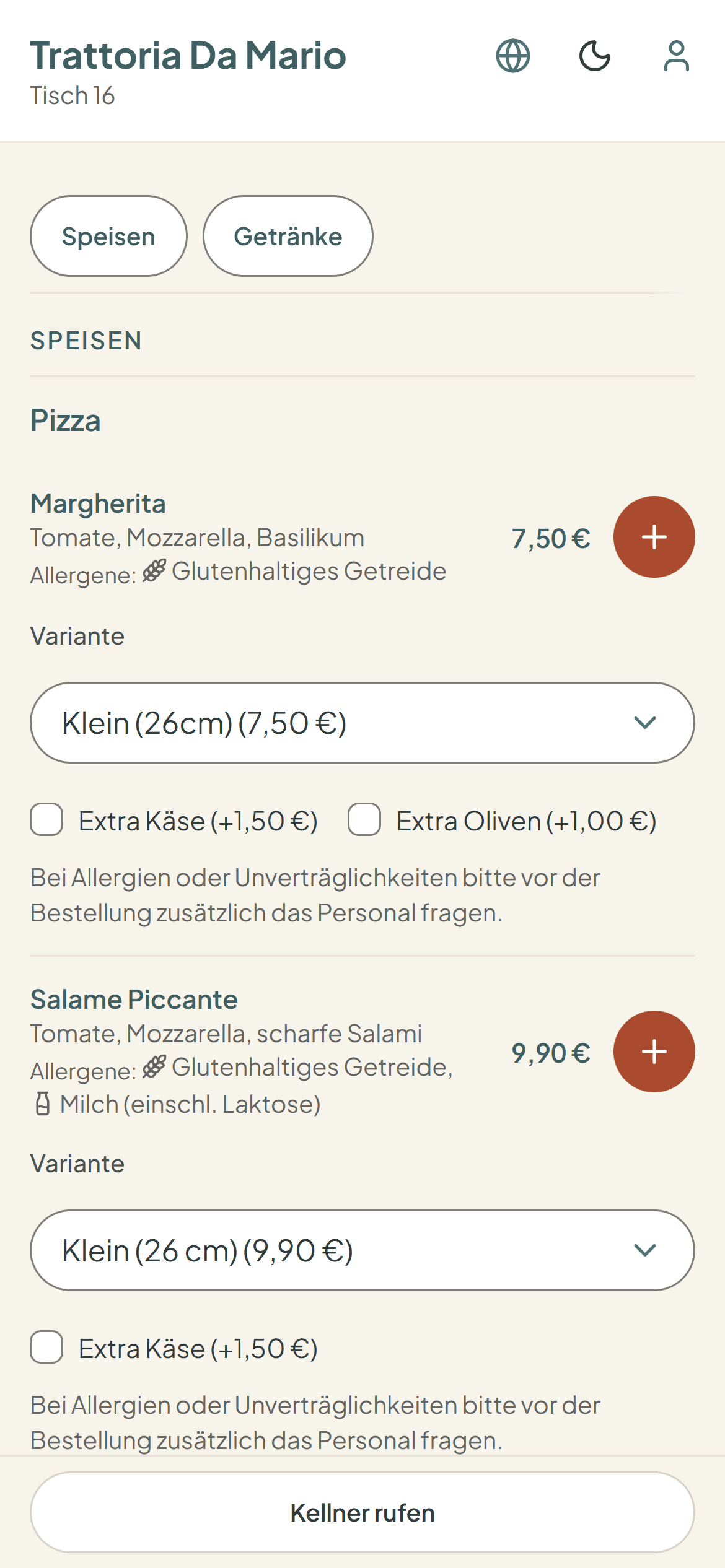
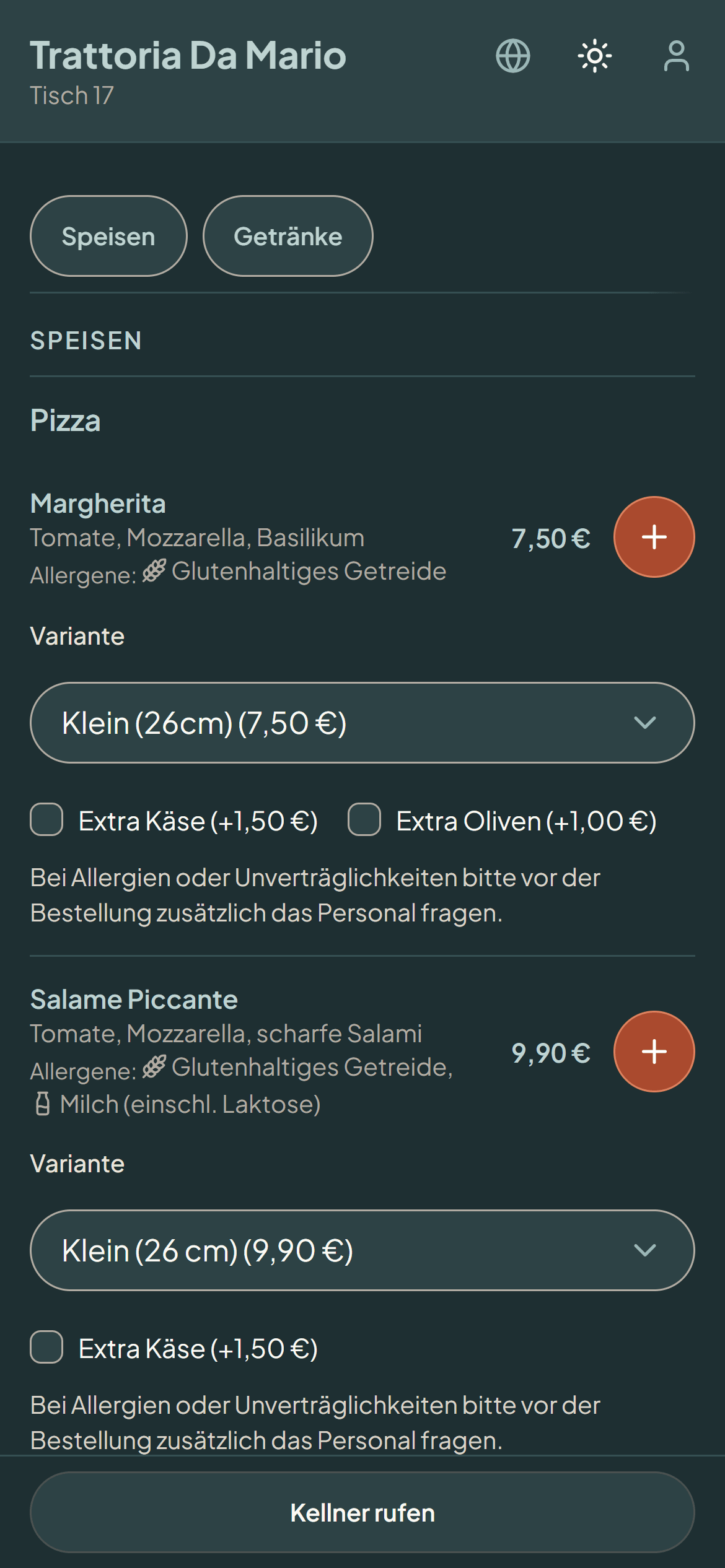
Screenshots from the demo restaurant, shown in German. All names and figures are sample data.
From a photo or PDF to a finished menu
The AI recognises dishes, prices and categories. Uncertain fields are marked, and you decide what is taken over. Nothing goes live without your approval.
- Import from a photo or PDF
- Uncertain fields are marked
- Selection before taking over
- The approval always rests with you
Recognised
- Pizza Margherita €7.50
- Spaghetti Carbonara €12.90
- Tiramisu €6.50 Please check
The right menu at the right time
Lunch menu, evening menu, weekly menu: you decide when each menu is visible. Your guests automatically see the one that applies right now.
- Daily, evening and weekly menus by time of day
- Guests automatically see the menu that applies
- One place to maintain several menus
One menu, many languages
MesaSnap creates the translation for you. The status per language is visible, and your corrections are kept.
- Translation into many languages
- Status per language at a glance
- Your own corrections are kept
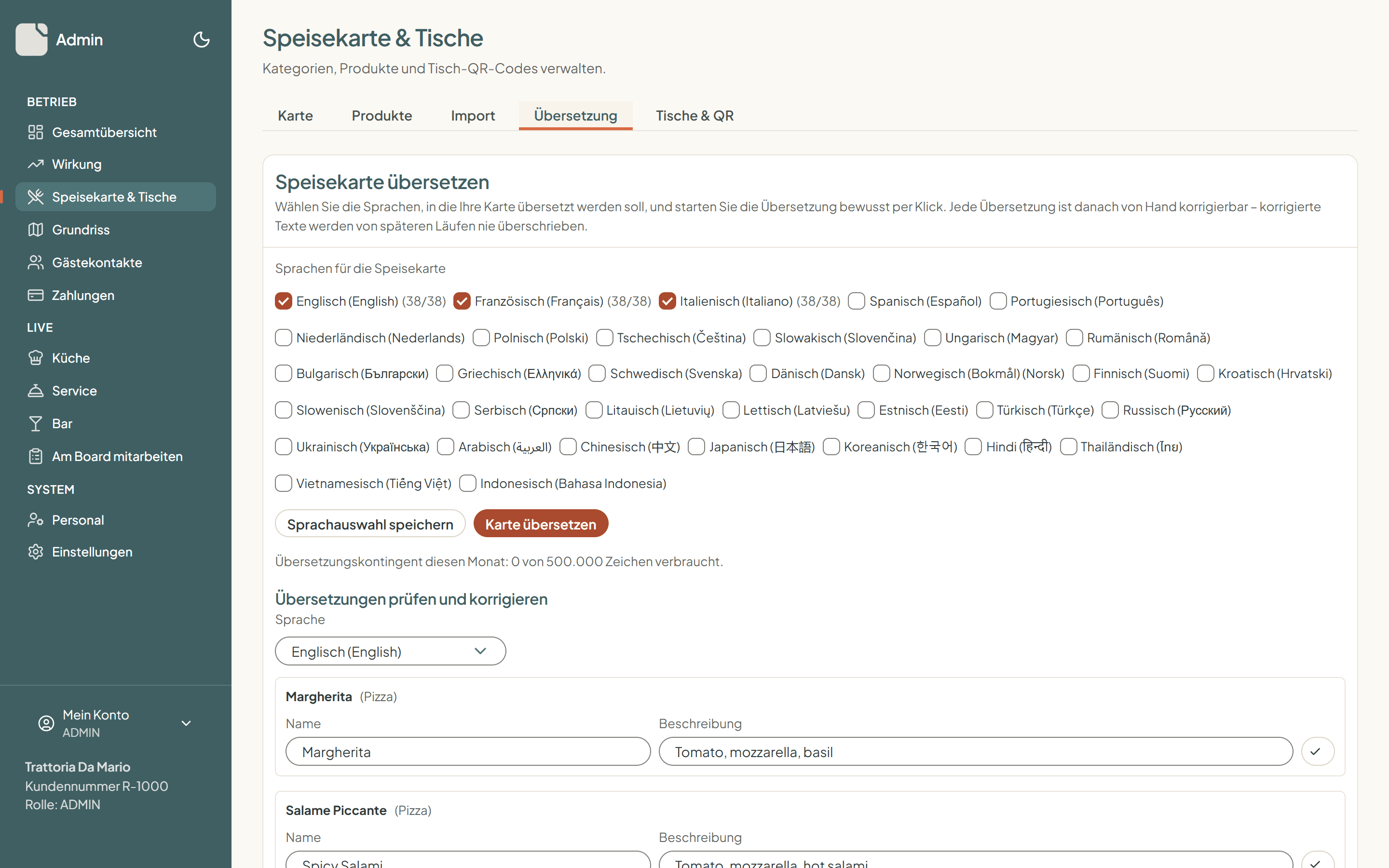
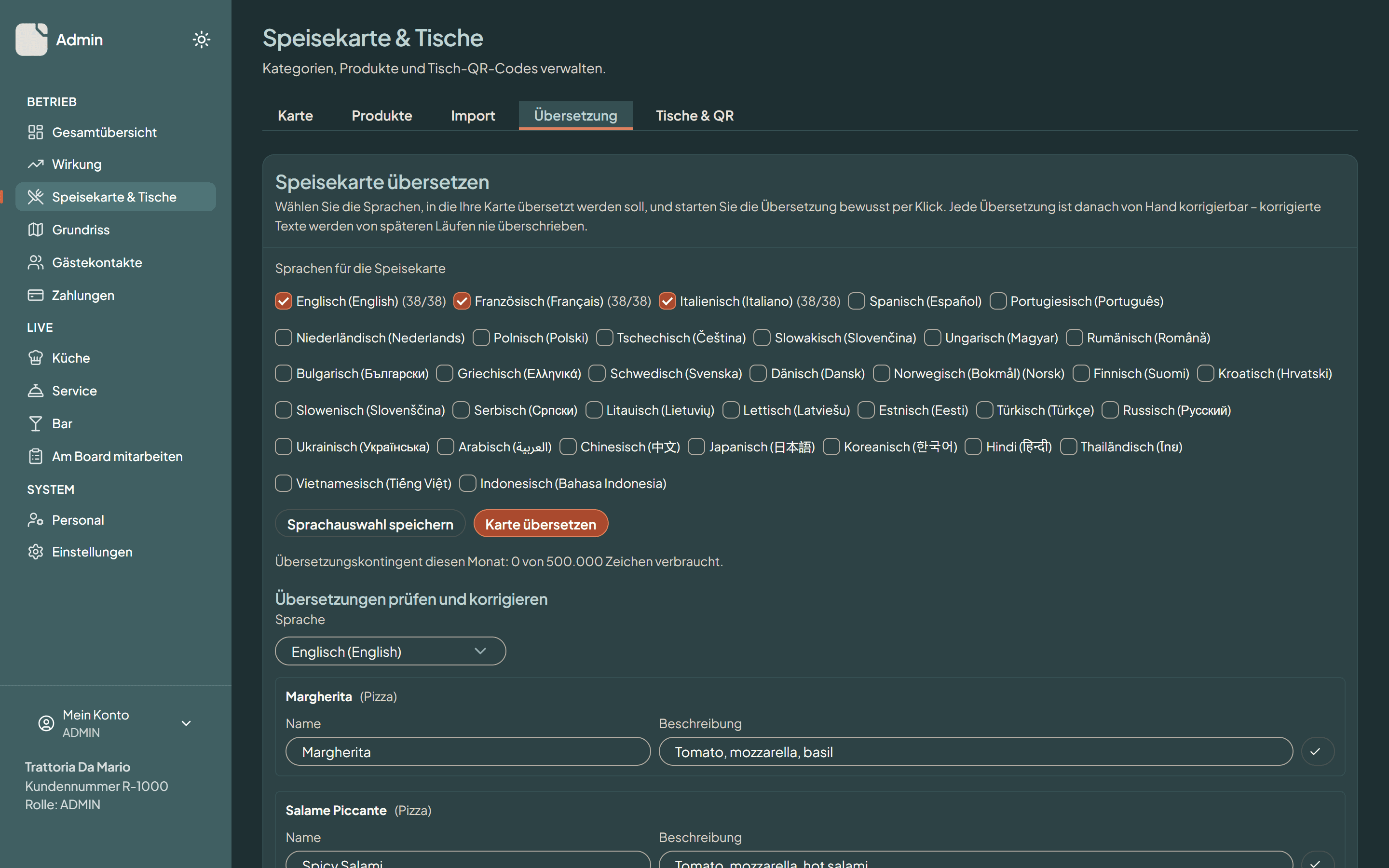
Your guests read the menu in
- Deutsch
- English
- Français
- Italiano
- Español
- Türkçe
- 日本語
- and more
Allergens, additives and sold out
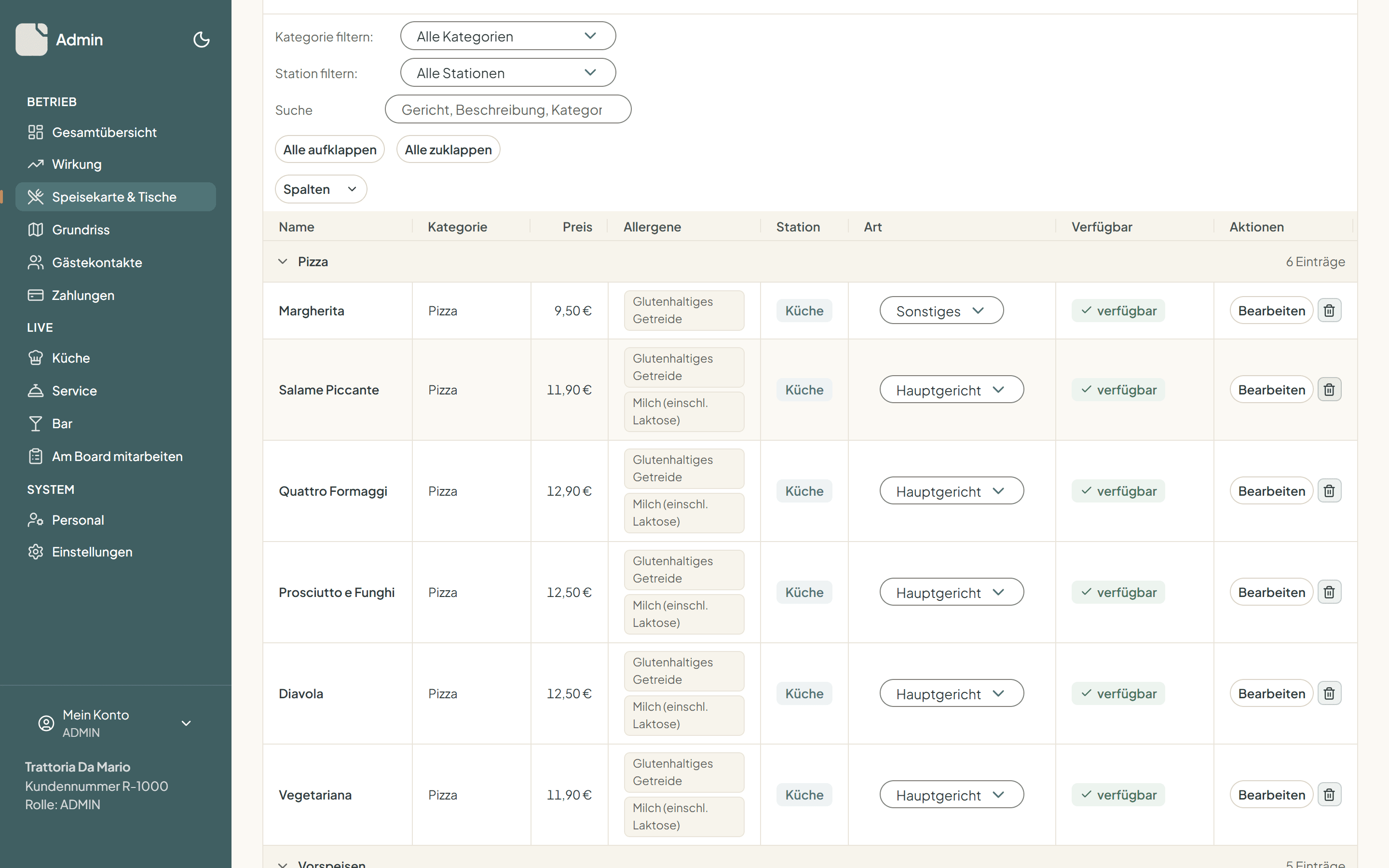
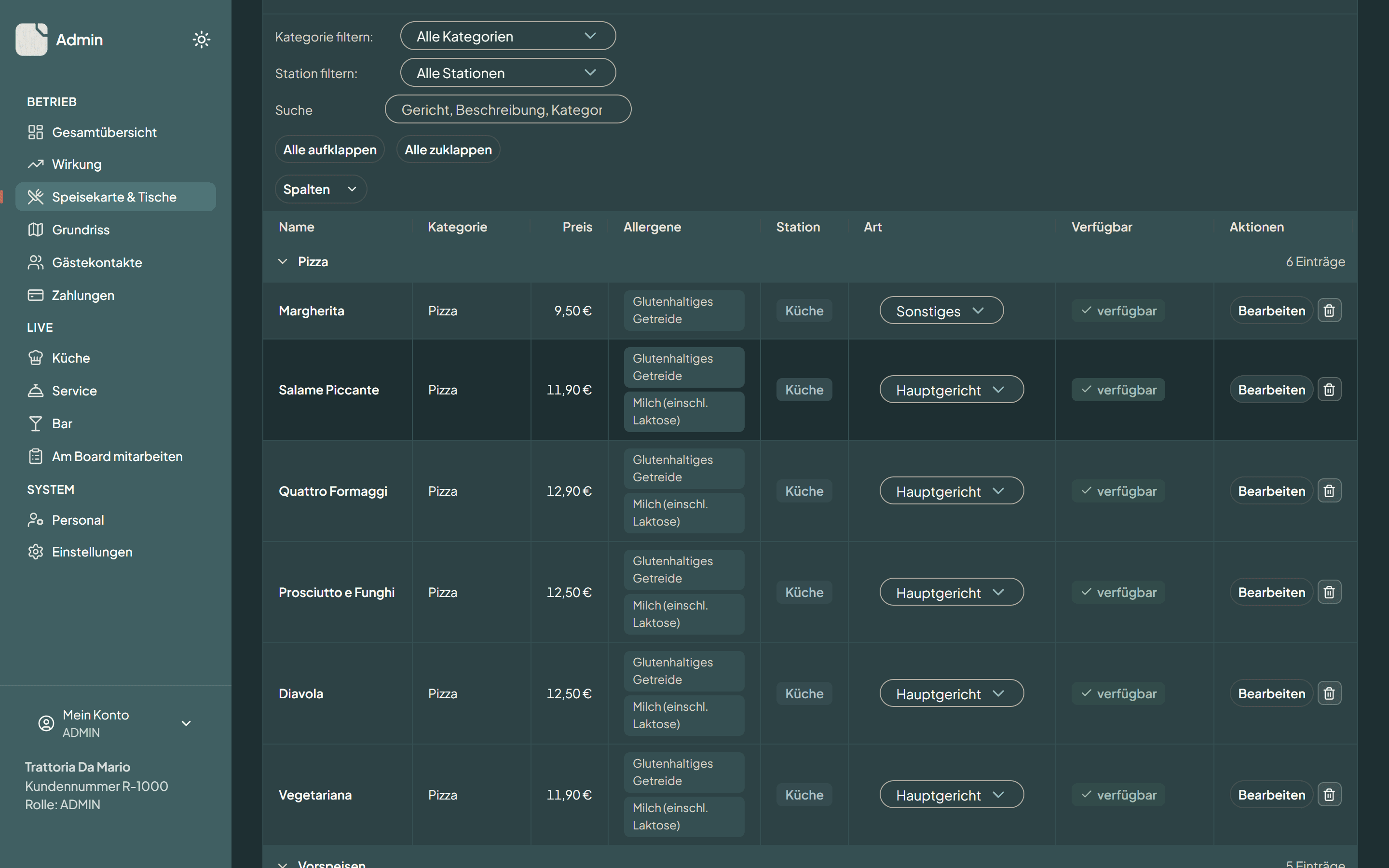
Maintain allergens and additives for each dish, along with variants, extras and prices. When something has run out, switch it off with one tap.
- 14 allergens and additives per dish
- Variants, extras and prices in one place
- Sold-out switch for your team
Rump steak 250 g
Short and honest answers.
Is the menu published without my review?
No. After the import you see every recognised item, and uncertain fields are marked. Only what you take over and approve goes online.
Which files can I import?
A photo of your menu or a PDF.
Are my corrections to translations kept?
Yes. Whatever you change by hand stays and is not overwritten.
Bring your menu along. We will look at it together.
In a conversation we show you what the import looks like with your menu.