

A smooth evening without paper slips.
Your team enters reservations in one place. The day plan shows who sits where and when, and your guests receive a reminder.
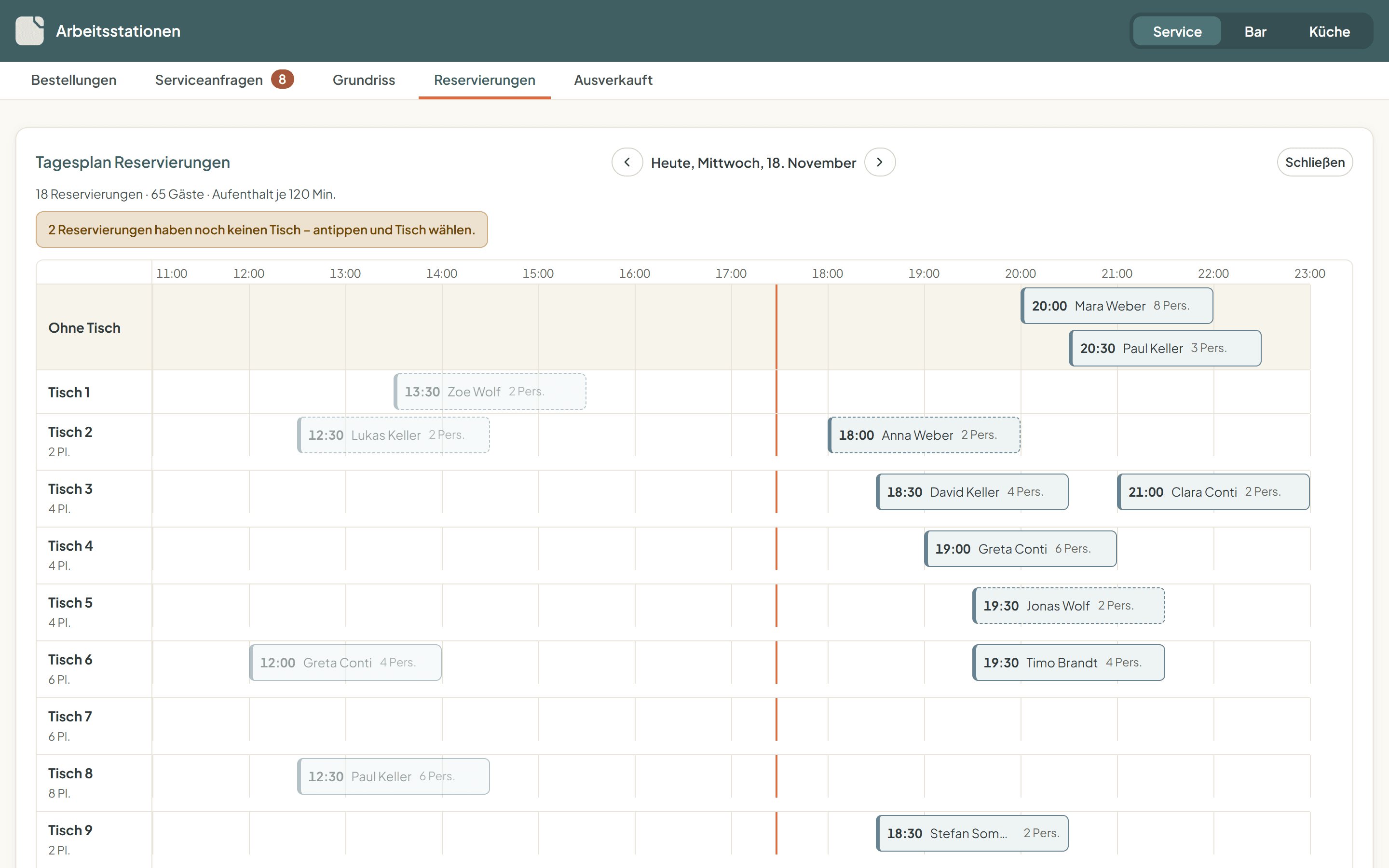
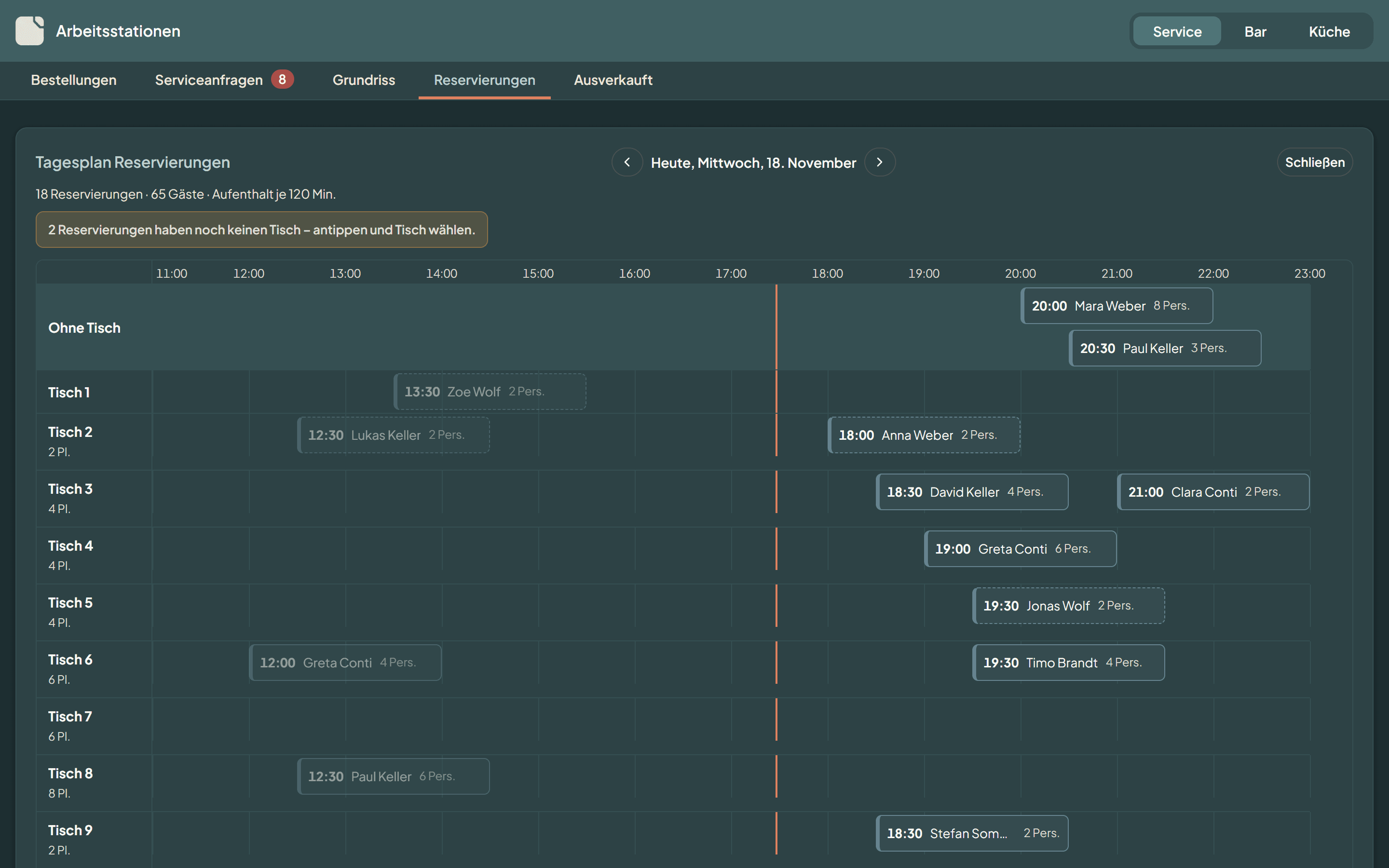
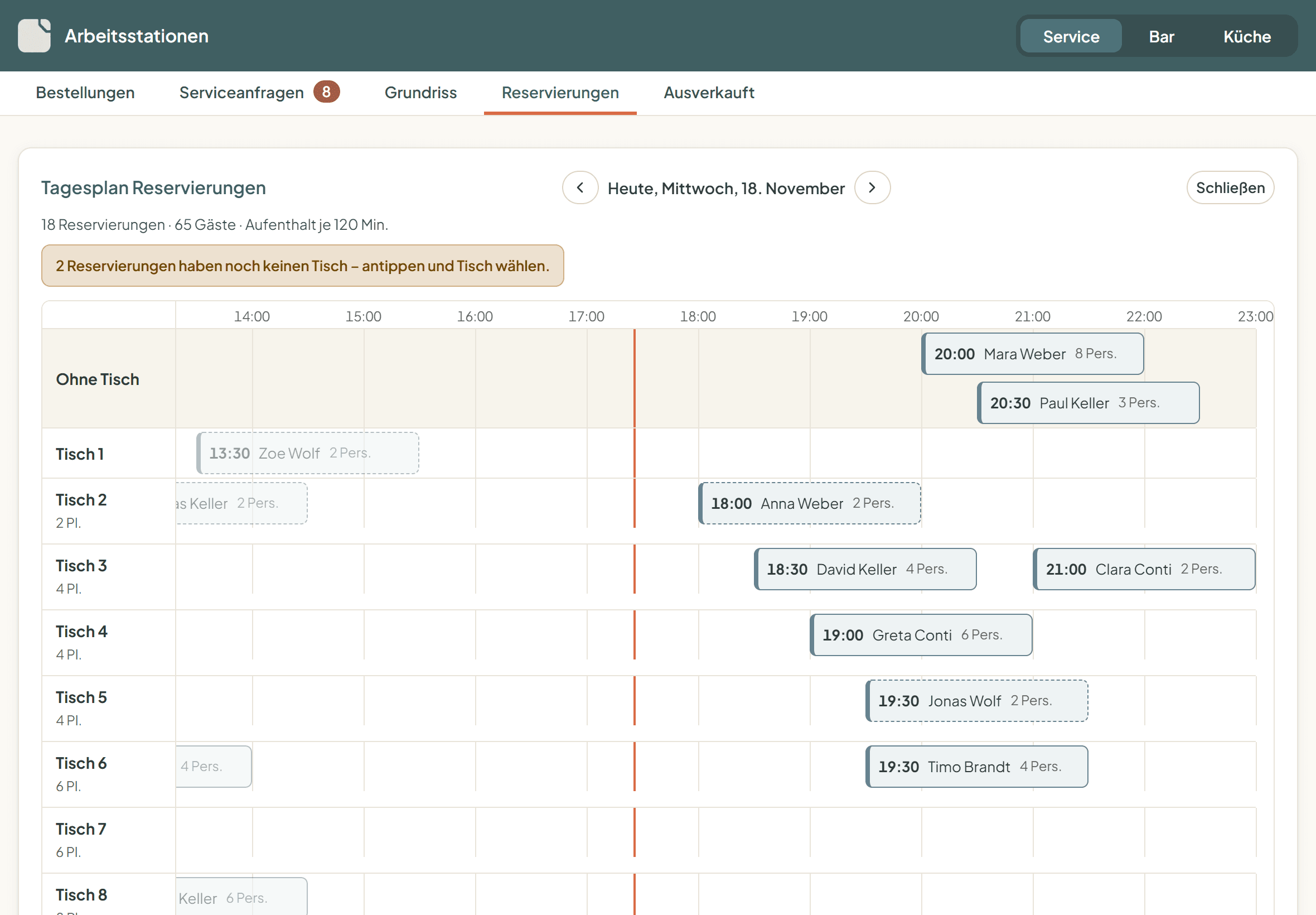
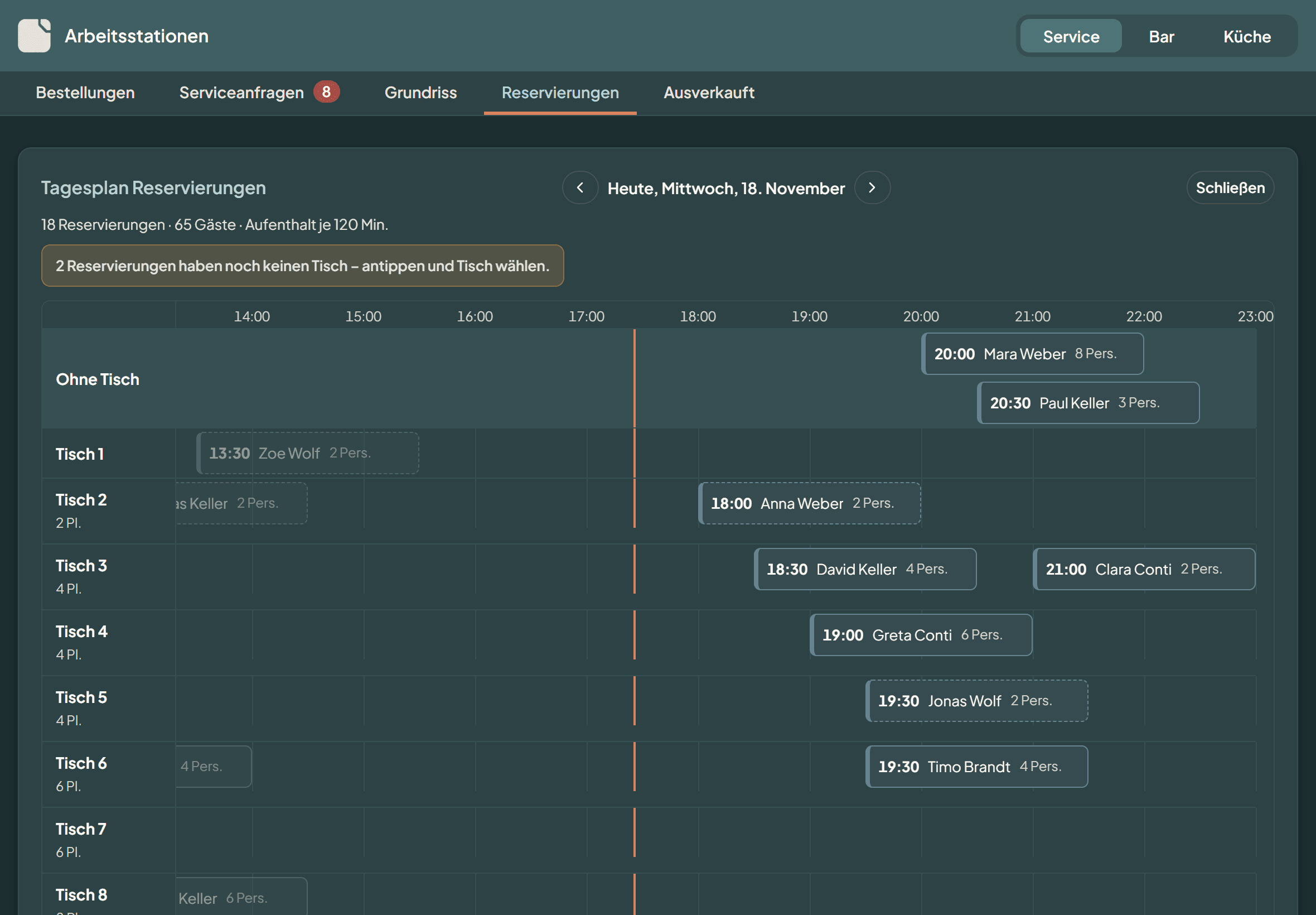
Screenshots from the demo restaurant, shown in German. All names and figures are sample data.
The day plan shows what is on today
All reservations of the day in a list and on a plan. You assign a table to each reservation and see which tables are taken when.
- Day plan and list for today
- Table assignment for each reservation
- An overview of which tables are taken when
Reminders and self-service by link
The confirmation email contains a personal link. With it, guests can view, change or cancel their reservation. A reminder goes out before the booking, and the appointment can be added straight to a calendar.
- Confirmation and reminder by email
- Guests change or cancel themselves, by link
- Calendar file to add the appointment
- Emails in the guest’s language
Trattoria Da Mario
Reminder: your reservation today at 7:00 pm
4 guests, table 4. Want to change something? Use your personal link.
Changes that you confirm
If a guest changes the time or party size and the table no longer fits, a request goes to your team. You accept or decline. If a guest cancels, you see “cancelled by guest”.
- Change requests arrive as a request to your team
- Accept or decline with one tap
- Cancellations by the guest clearly marked
Short and honest answers.
Who enters reservations?
Your team enters them, for example after a phone call. Afterwards, guests can change or cancel their reservation themselves through the link in the confirmation.
Do guests receive a reminder?
Yes. A reminder goes out by email before the booking, at most once per booking. If the time changes, the new booking gets a new reminder.
What happens if a guest cancels by link?
The reservation changes to cancelled, and your team sees “cancelled by guest”.
Your reservation book, without the paper.
In a conversation we show you the day plan and talk about how reservations work at your place.