

Several houses. One login. The same routines.
You sign in once and switch between your businesses with one click. Each house stays set up on its own, and your team feels at home everywhere straight away.
- Introduce it house by house
- Runs alongside your tills
- Personal support
Choose business
- Business A
- Business B
- Business C
Business A
- Its own menu
- Its own tables
- Its own reports
Business B
- Its own menu
- Its own tables
- Its own reports
Business C
- Its own menu
- Its own tables
- Its own reports
What changes when one house becomes several
Mostly what no longer has to be done twice.
-
One login
One sign-in for every business you have access to. No list of passwords, no signing out and in again.
-
One switcher
With one click you move from one business to the next and see its menu, orders and figures.
-
Each business on its own
Menu, tables and reports belong to the house in question. What happens in one business stays visible there.
From the practice of running several houses
Groups have the same worries as single businesses, only several times over and in different places.
-
Every house works a little differently
The same operation everywhere: whoever is trained in one business knows the views in the next.
-
Knowledge sits in individual heads
Roles and individual permissions let you decide who may see and change what, including for casual staff.
-
Switching one house after another
You start with one business and add the others step by step, without interrupting service.
Reports where you need them
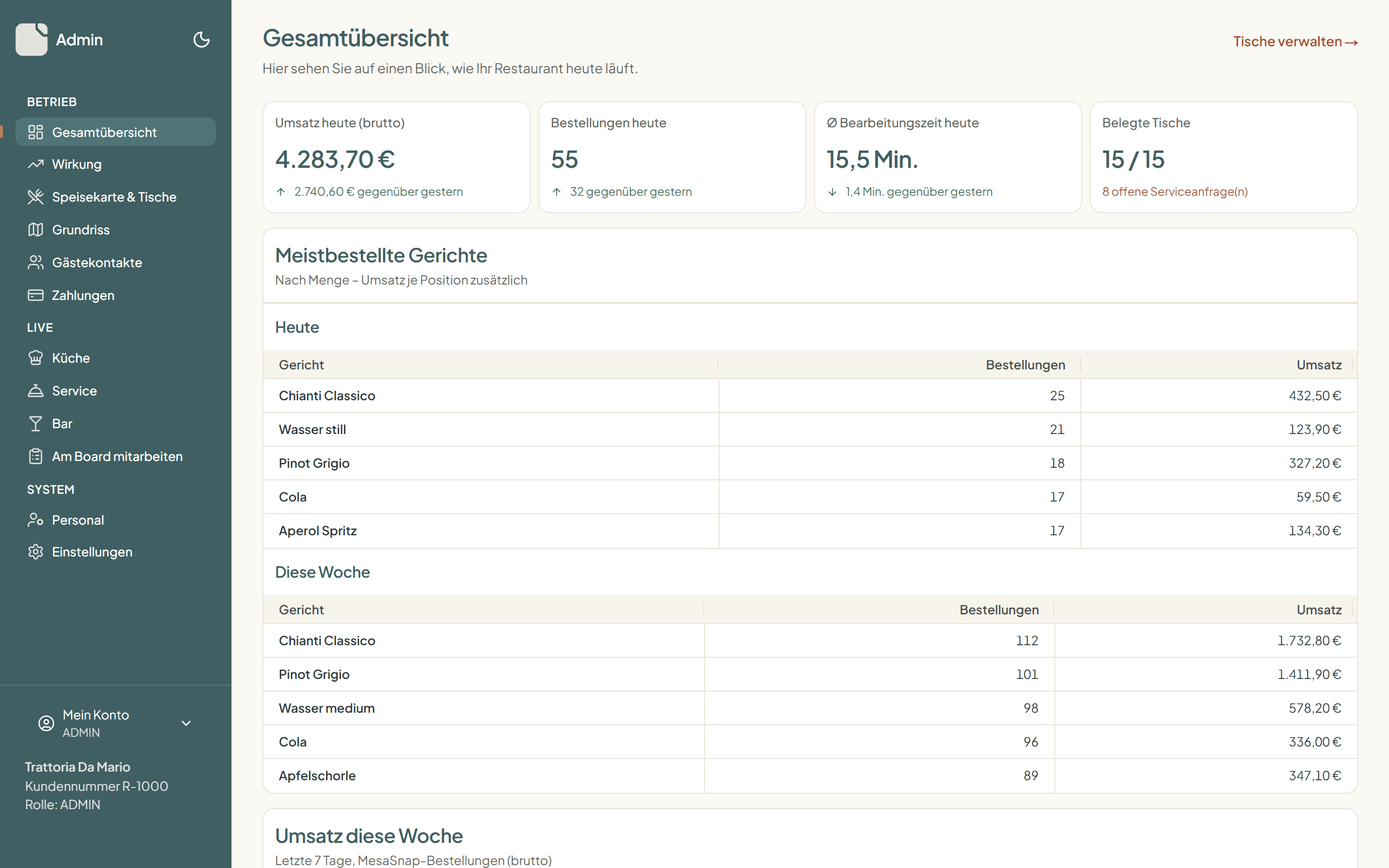
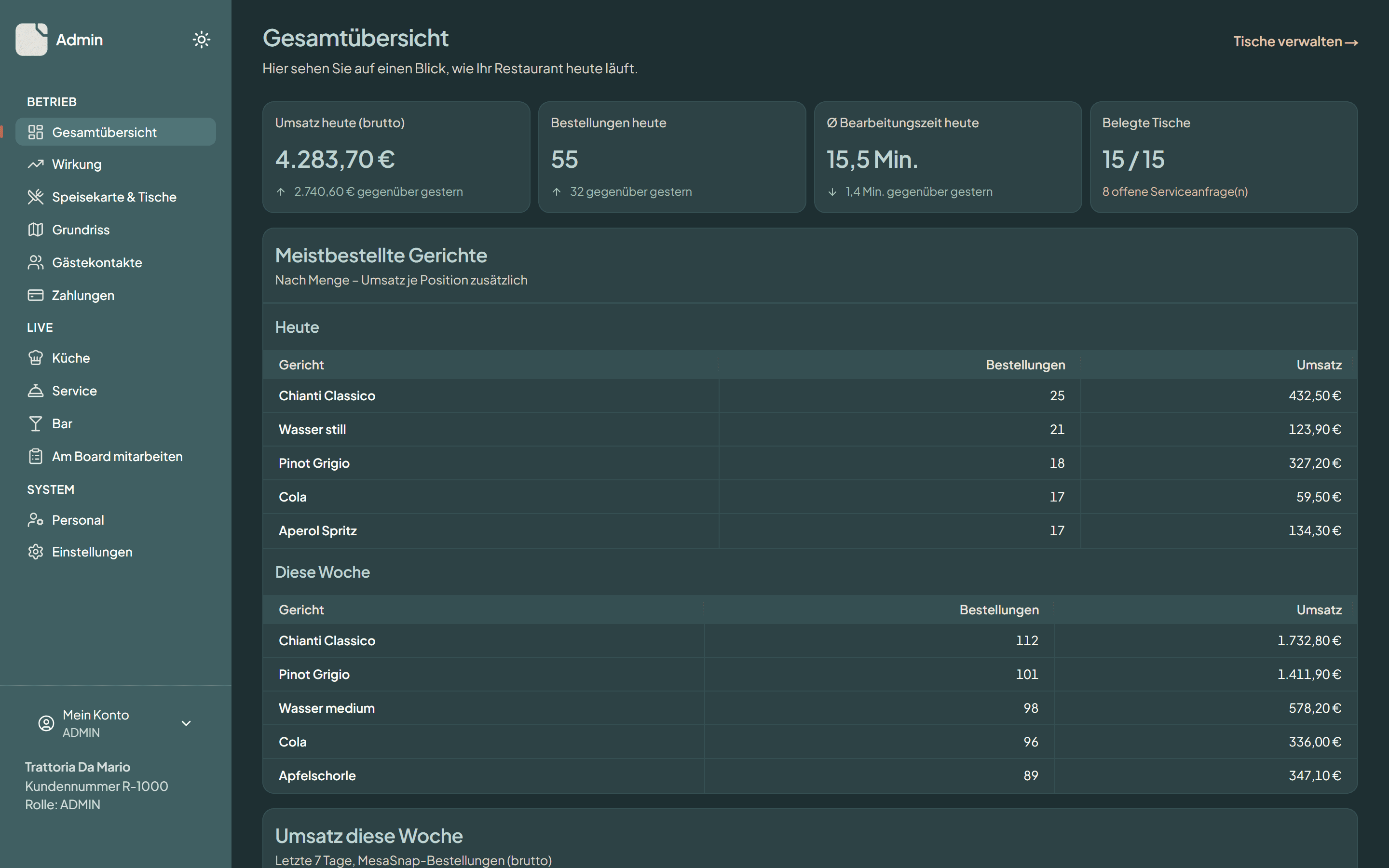
Each business has its own overview: revenue today, orders, processing time, occupied tables and the most ordered dishes. You choose the business and see its figures.
- Reports down to the single dish
- Measurable effect of add-on recommendations, calculated openly against a comparison group
- Permissions set per person
House by house
We support you personally at every business. The set-up of a house takes only hours, and from your go-ahead you are online in under a week.
-
Start with one business.
Import the menu, put out the QR codes, brief the team.
-
Capture the routines.
What works well, we carry over to the other houses.
-
Add further businesses.
Each business with its own menu and tables, reachable through the same login.
-
Brief the teams.
A short introduction per house, with PIN sign-in on the tablet.
Questions from groups
Does MesaSnap work with several locations?
Yes. You manage several businesses with one login and switch between them with a switcher.
Do all businesses have the same menu?
No, each business has its own menu, its own tables and its own reports.
Do all businesses have to start at the same time?
No. You start with one house and add the others one by one.
Do I need a new till in every house?
No. MesaSnap runs in the browser alongside the till each house already has.
How would we start with you?
Tell us how many houses you run and where you would begin. We will work out a plan with you that suits your businesses.