Choose language

Germany, Austria, Switzerland

  • Deutsch
  • Züridütschcoming soon
  • Wienerischcoming soon

Europe

  • Françaiscoming soon
  • Italianocoming soon
  • Españolcoming soon
  • Portuguêscoming soon
  • Nederlandscoming soon
  • Svenskacoming soon
  • Norskcoming soon
  • Danskcoming soon
  • Suomicoming soon
  • Lietuviųcoming soon
  • Latviešucoming soon
  • Eesticoming soon
  • Polskicoming soon
  • Češtinacoming soon
  • Slovenčinacoming soon
  • Slovenščinacoming soon
  • Hrvatskicoming soon
  • Srpskicoming soon
  • Românăcoming soon
  • Magyarcoming soon
  • Българскиcoming soon
  • Ελληνικάcoming soon

International

  • English
  • Türkçecoming soon
  • Русскийcoming soon
  • Українськаcoming soon
  • 中文coming soon
  • 日本語coming soon
  • 한국어coming soon
  • Tiếng Việtcoming soon
  • العربيةcoming soon
  • हिन्दीcoming soon
  • ไทยcoming soon
  • Bahasa Indonesiacoming soon
Book a conversation

A full house, a calm service.

Your guests order and pay at the table, and kitchen and service see every order at once. Your team spends its steps on what matters: looking after guests.

  • Runs alongside your till
  • No app for your guests
  • Online within days
Counter 1 2 3 4 5 6 7 8 9 10
Example view

Where the evening snags in a restaurant

Rarely in the kitchen alone. Mostly on the paths in between: between table and kitchen, between bill and guest.

  • The table waits for someone to take the order

    Guests are seated, menus are open, and the team is three tables away.

    Guests order when they are ready

    Scan the QR code, read the menu, order. Your team no longer takes orders, but brings drinks, dishes and a kind word.

  • Slips of paper, shouts, follow-up questions

    What gets lost on the way to the kitchen and the bar costs time and sometimes a dish.

    Every station sees its own part

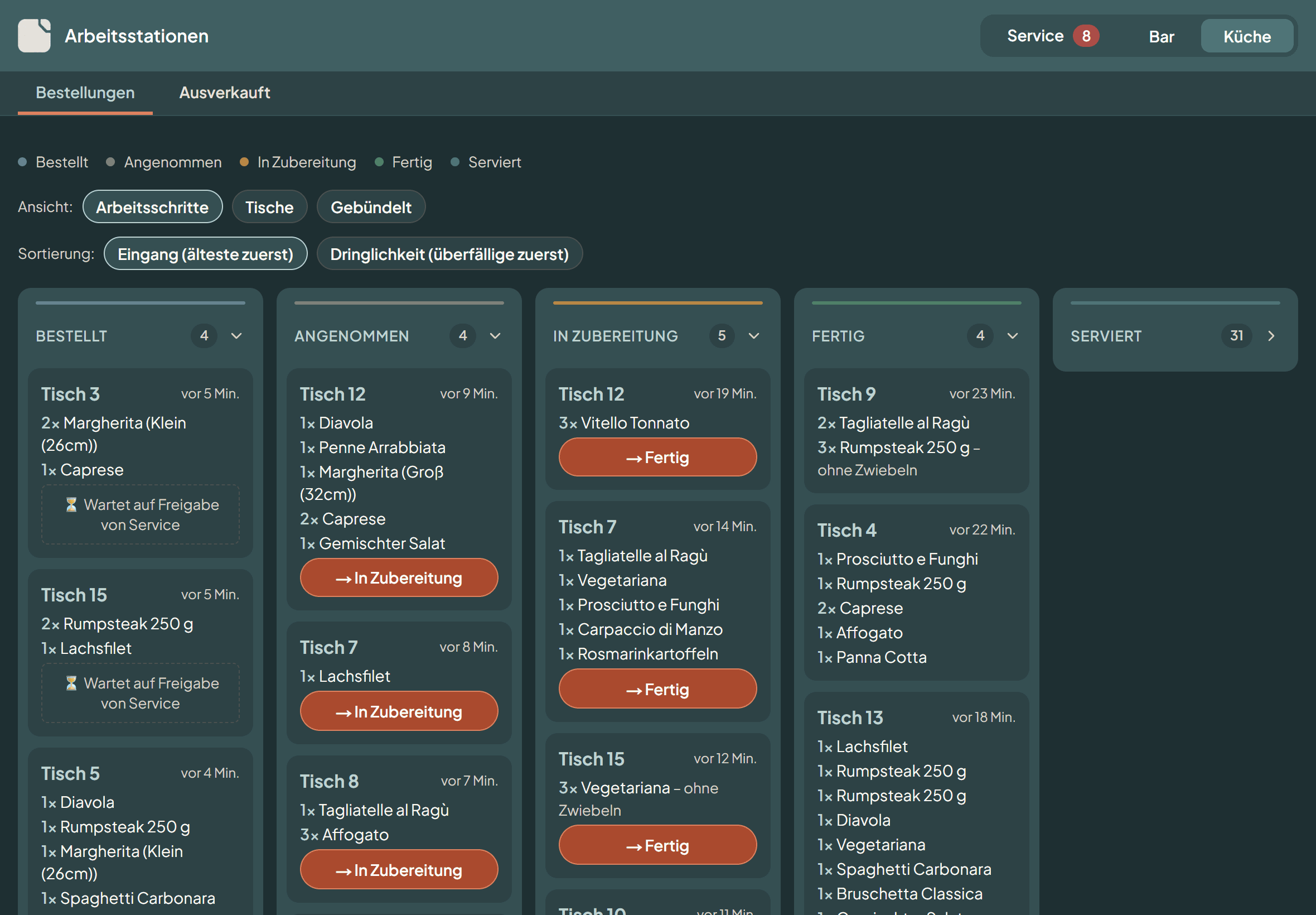
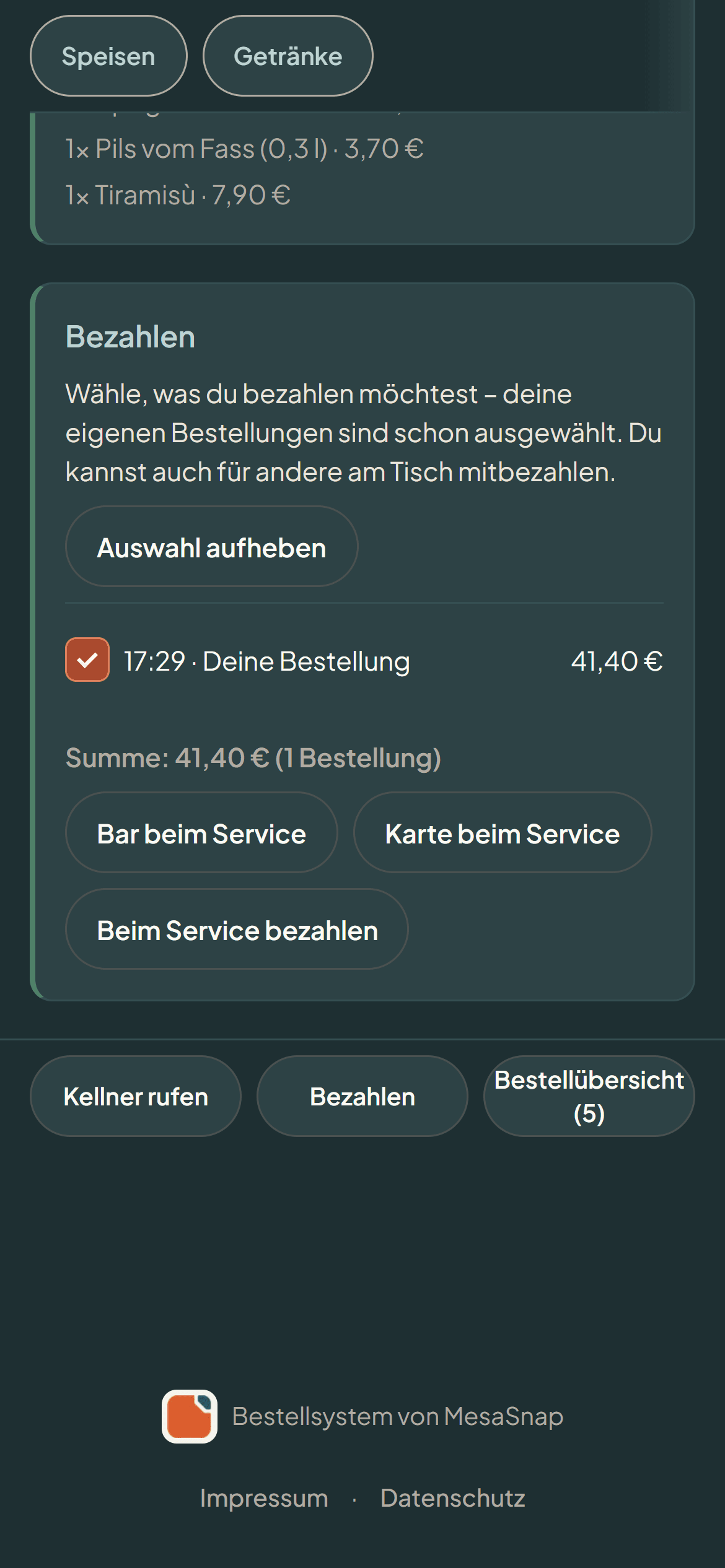
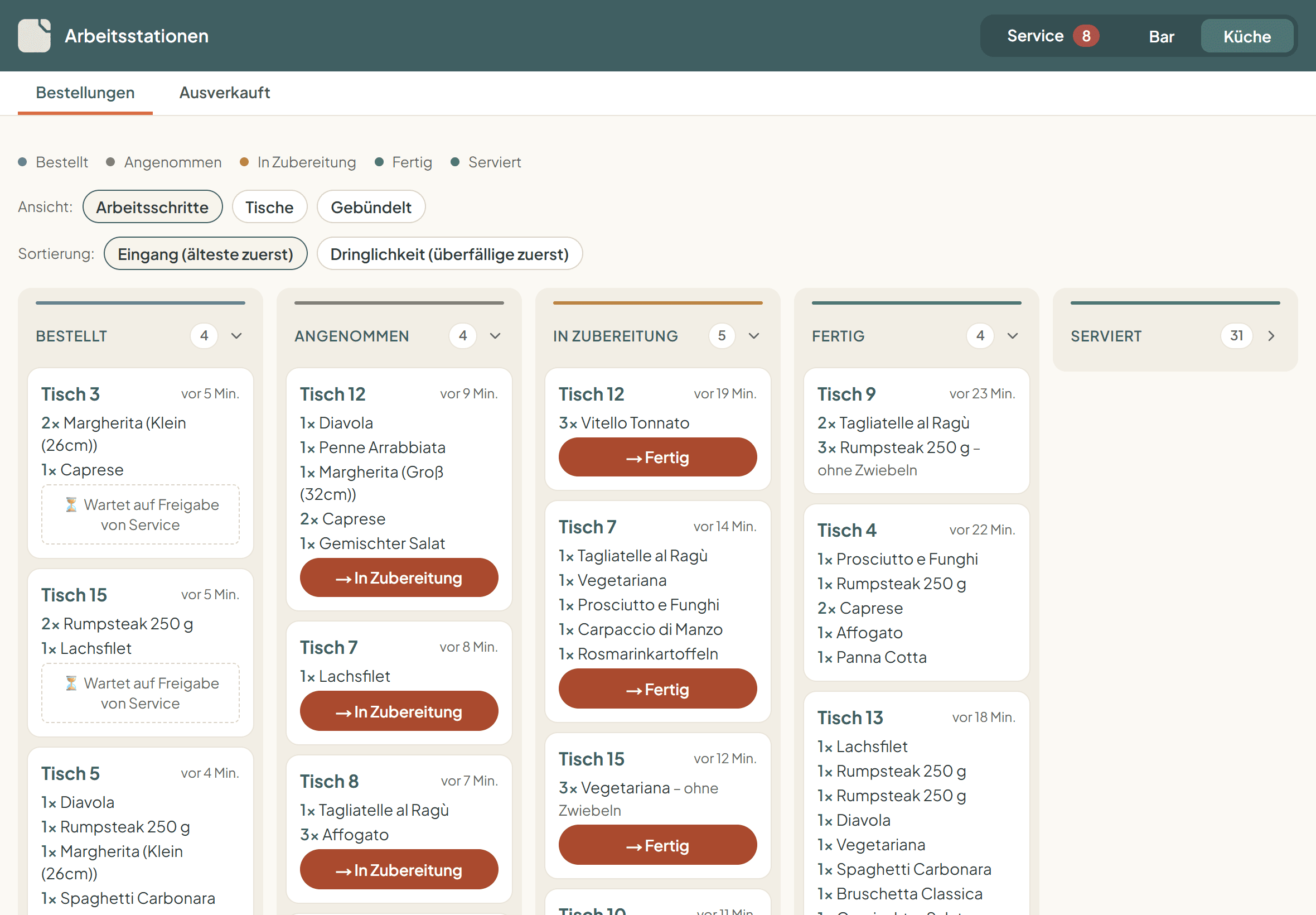
    Dishes appear in the kitchen, drinks at the bar, and service sees everything. New orders arrive with a sound, and the status changes with a swipe.

  • The bill comes too late

    At peak time everyone waits for the bill. The last impression of the evening is waiting.

    Pay when the guest is ready

    At the table with Apple Pay, Google Pay or card, together or separately. Guests who prefer to pay at the counter can do so as usual.

  • Tables booked twice

    Reservations on slips of paper and in people’s heads, and with a full house something slips through.

    Reservations in one place

    A day plan with table assignment, a reminder to the guest and the booking in their calendar. Guests change or cancel on their own.

What your restaurant gets out of it

Real screens from the demo business. All names and figures are sample data.

Kitchen, bar and service in step

Every order lands where it is needed. The board shows what is new, what is being prepared and what is ready to serve. The team signs in with a PIN on a shared tablet.

  • A separate view for kitchen, bar and service
  • New orders with a sound, status by swipe
  • Fewer questions, fewer misunderstandings
More about this feature

The dining room at a glance

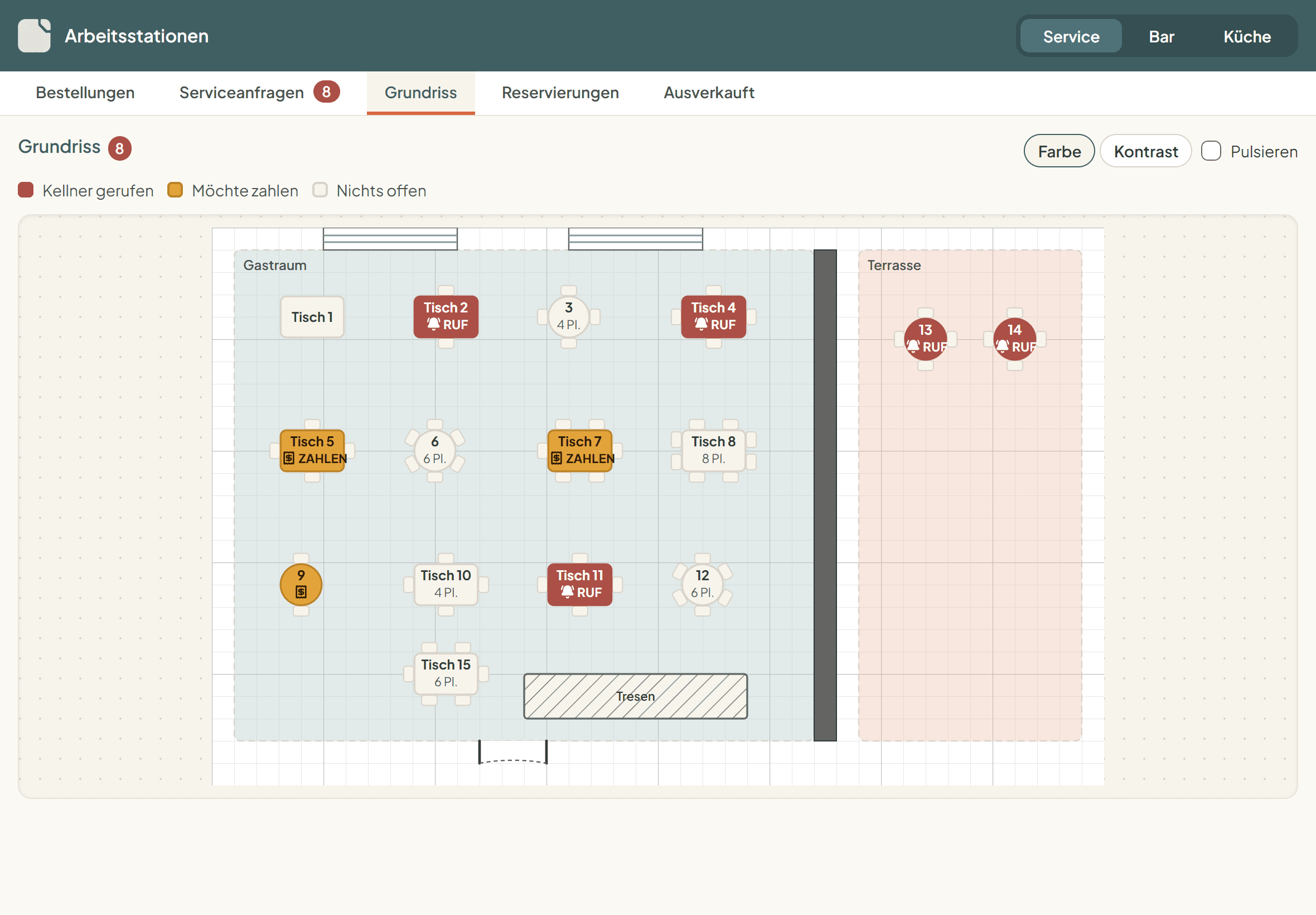
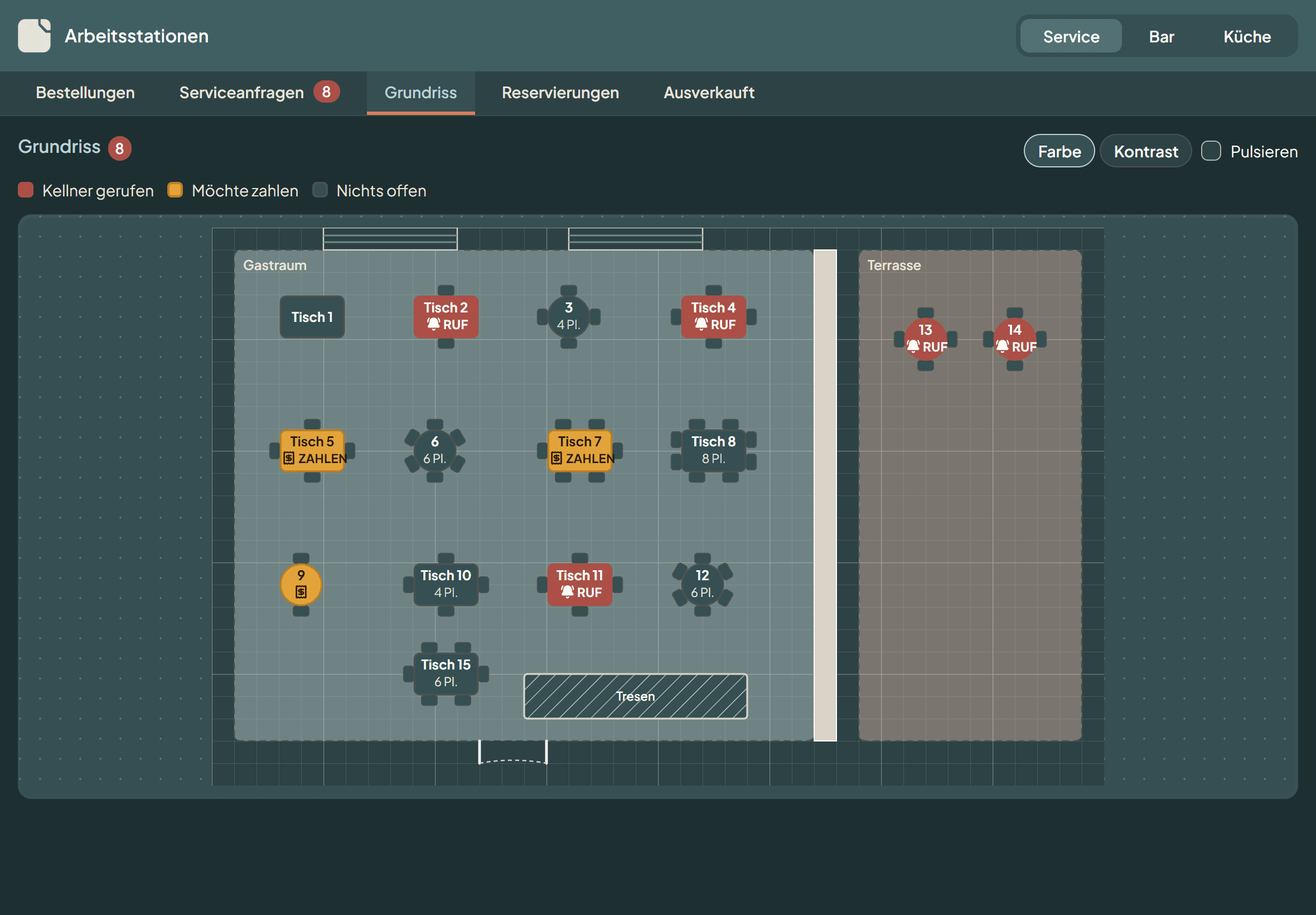
The floor plan shows live which table has called for service and who wants to pay. Your service goes where someone is waiting right now.

  • Dining room and terrace shown separately
  • Call and payment request visible right at the table
  • Open requests with table and waiting time
More about this feature

Paying without waiting

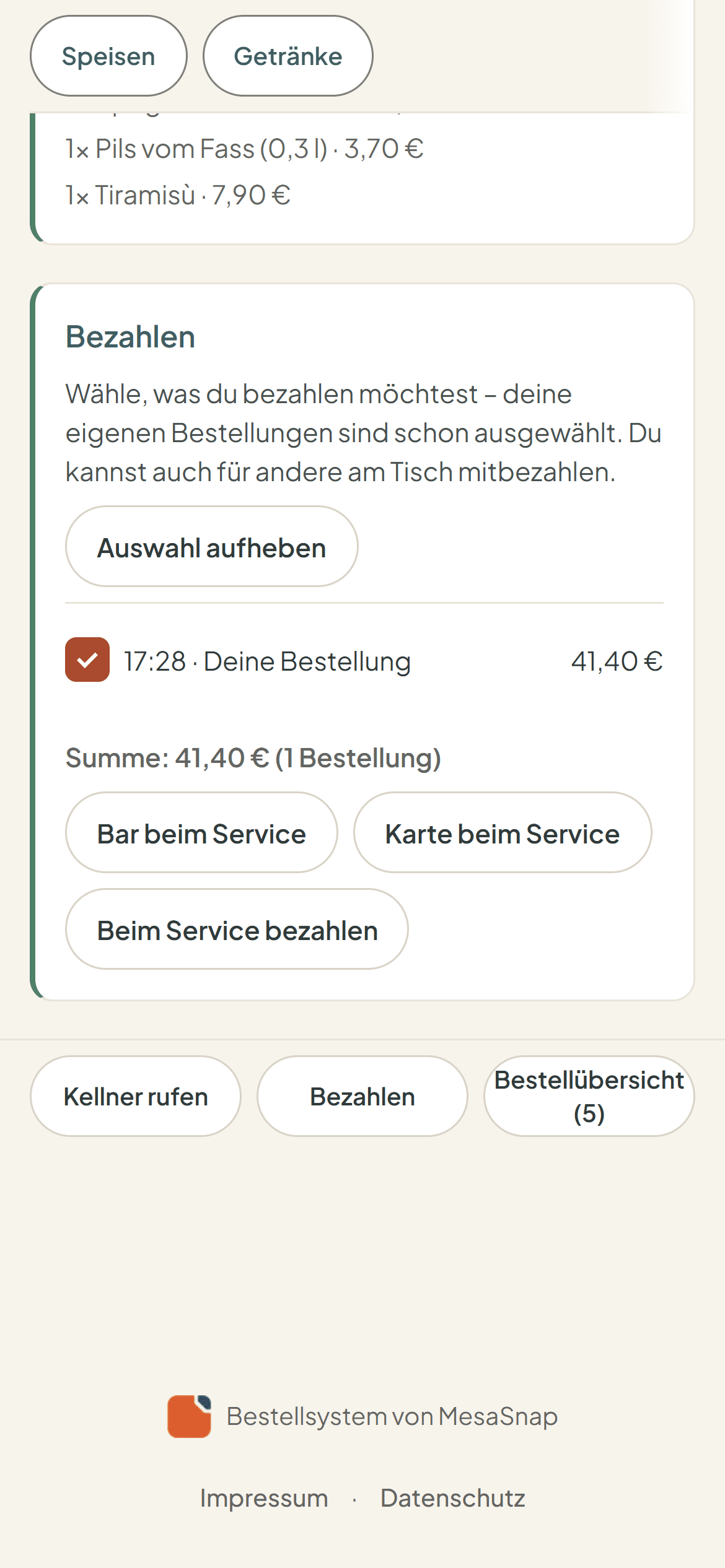
Guests who do not want to wait for the bill pay in the browser, either for the whole table or just their own share. The money goes straight to your business.

  • Apple Pay, Google Pay and card
  • Together or separately, based on the table’s open orders
  • Or at the counter, as usual
More about this feature

From the first conversation to the first evening

Your restaurant keeps running while we set up. The set-up itself takes only hours. From your go-ahead you are online in under a week, and the time is set mostly by the post.

  1. Upload the menu.

    A photo or PDF of your menu, which MesaSnap reads. You check it and approve it.

  2. Set up the tables.

    Your dining room with tables and areas, plus a QR code for each table, which we send you by post.

  3. Brief the team.

    A short introduction for kitchen, bar and service. We join you if you like.

  4. Support the first evening.

    You start without a refit and without a new till. We stay within reach.

Questions from restaurant practice

Do I have to change my till?

No. MesaSnap is not a till and runs in the browser alongside your existing one. You need no new hardware, and two tablets for your team are in the package at no extra charge.

What about guests who prefer to order the traditional way?

That still works. Your team can also take orders for a table themselves, and payment works as usual at the counter.

How do kitchen and bar know what to do?

Each station has its own view on a tablet. New orders appear with a sound, and the teams report progress with a swipe.

Can I change the menu by time of day?

Yes. Daytime, evening and weekly menus can be scheduled by time. The menu can also be translated into up to 35 languages.

All questions and answers

What would this look like in your restaurant?

We look at your business together, on site if you like, and show you what fits your routines. In person, with no obligation.