

Online within days.
In under a week from your go-ahead. The set-up itself takes only hours, and the time is set mostly by the post delivering the QR codes and the tablets.
- Two tablets at no extra charge
- No new till
- Personal support
Your way to the first evening
- Go-ahead
- Import the menu
- Receive QR codes and tablets
- Set up and brief the team
- Get going
- Review the numbers
Six steps from go-ahead to first report
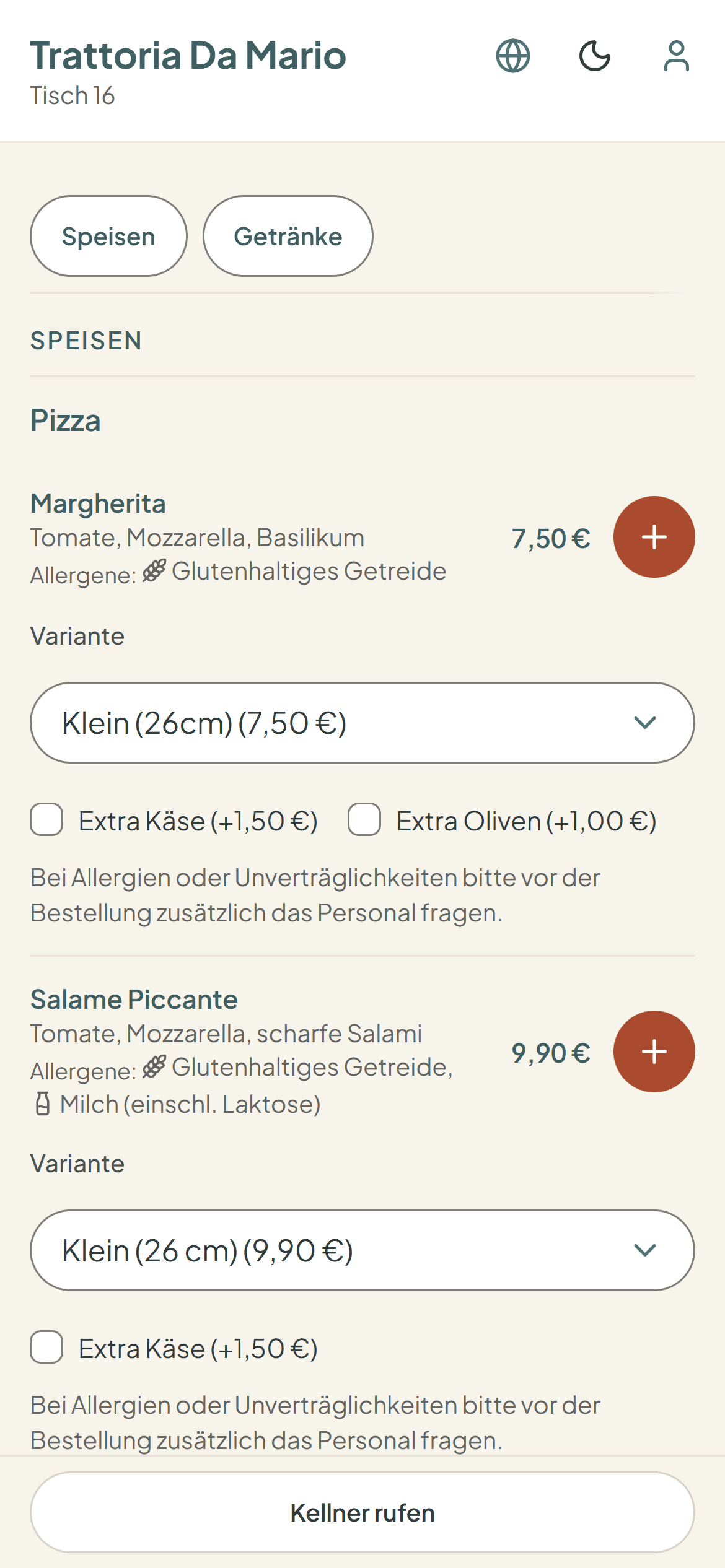
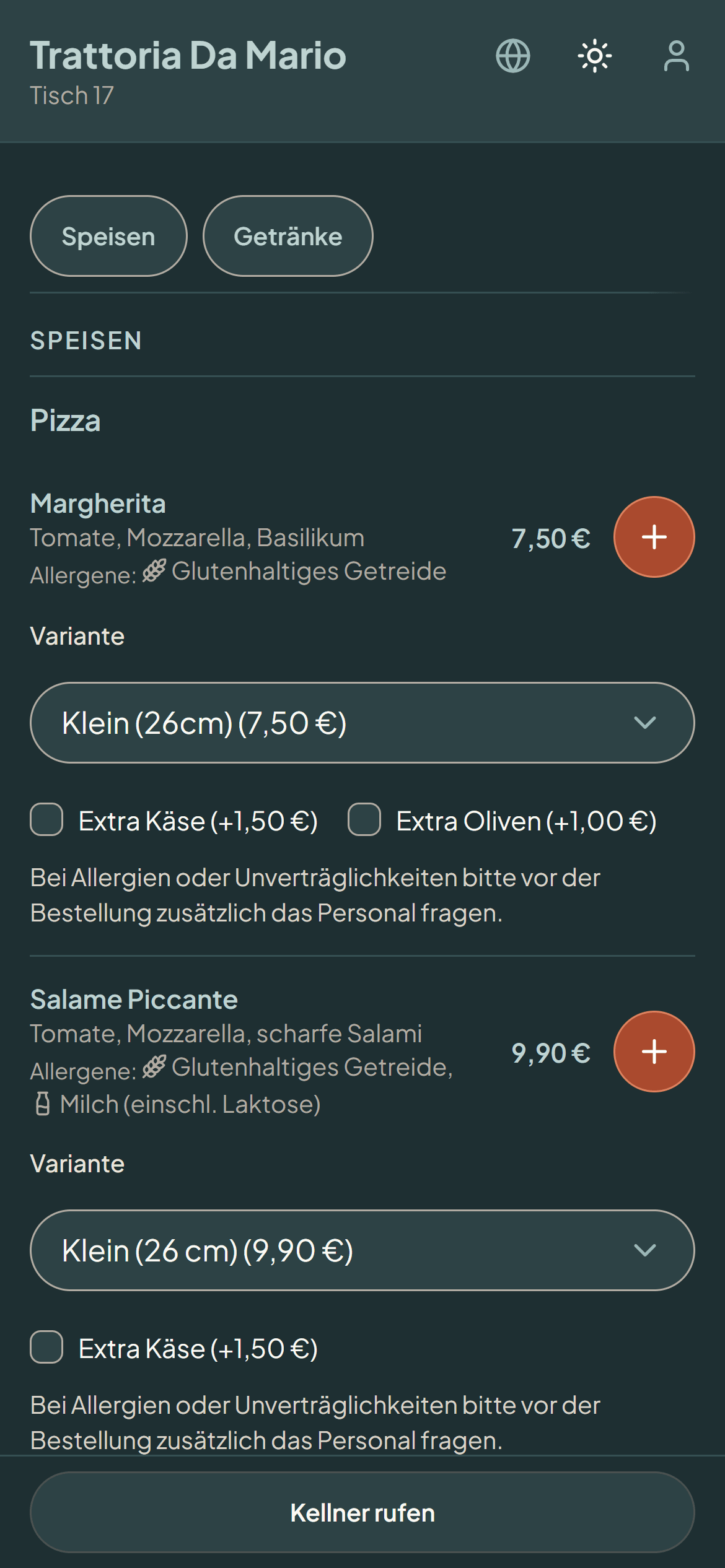
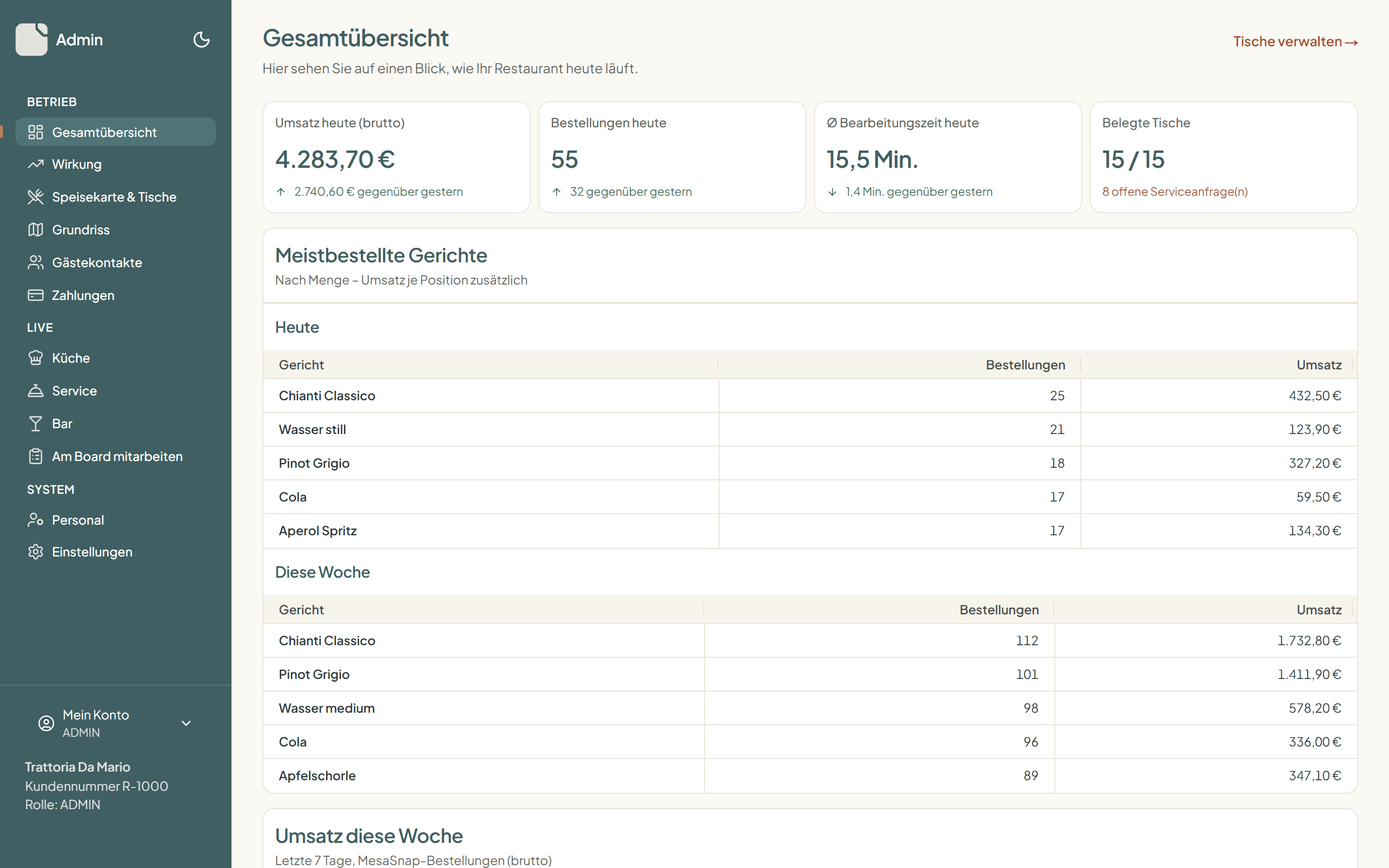
Real screens from the demo business. All names and figures are sample data.
-
Go-ahead
After our conversation and your go-ahead, we get in touch personally and plan the start with you. From here you are usually online in under a week.
- A personal contact
- No refit, no new till
- Your business keeps running as normal
- Go-ahead
- A personal start
-
Import the menu
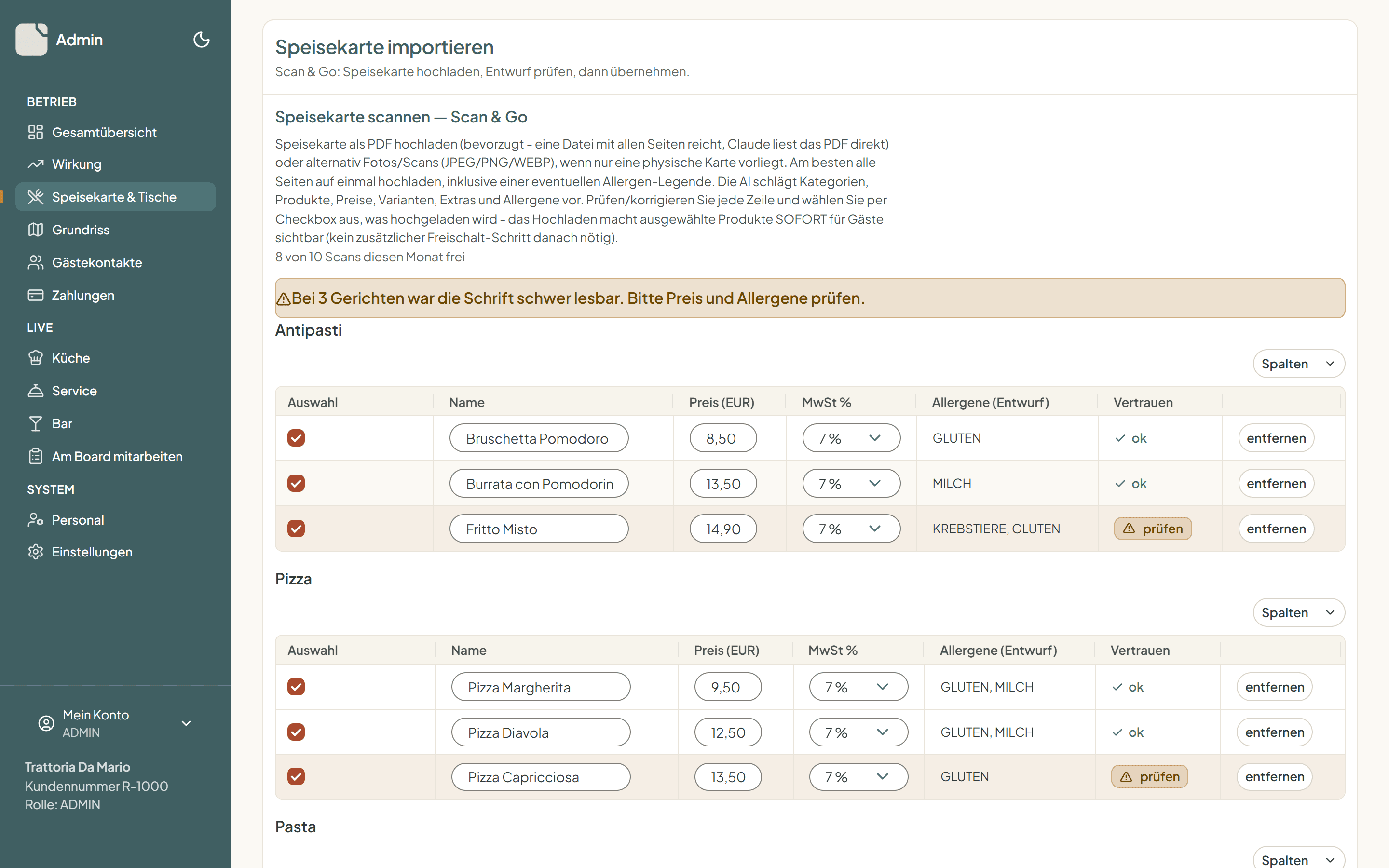
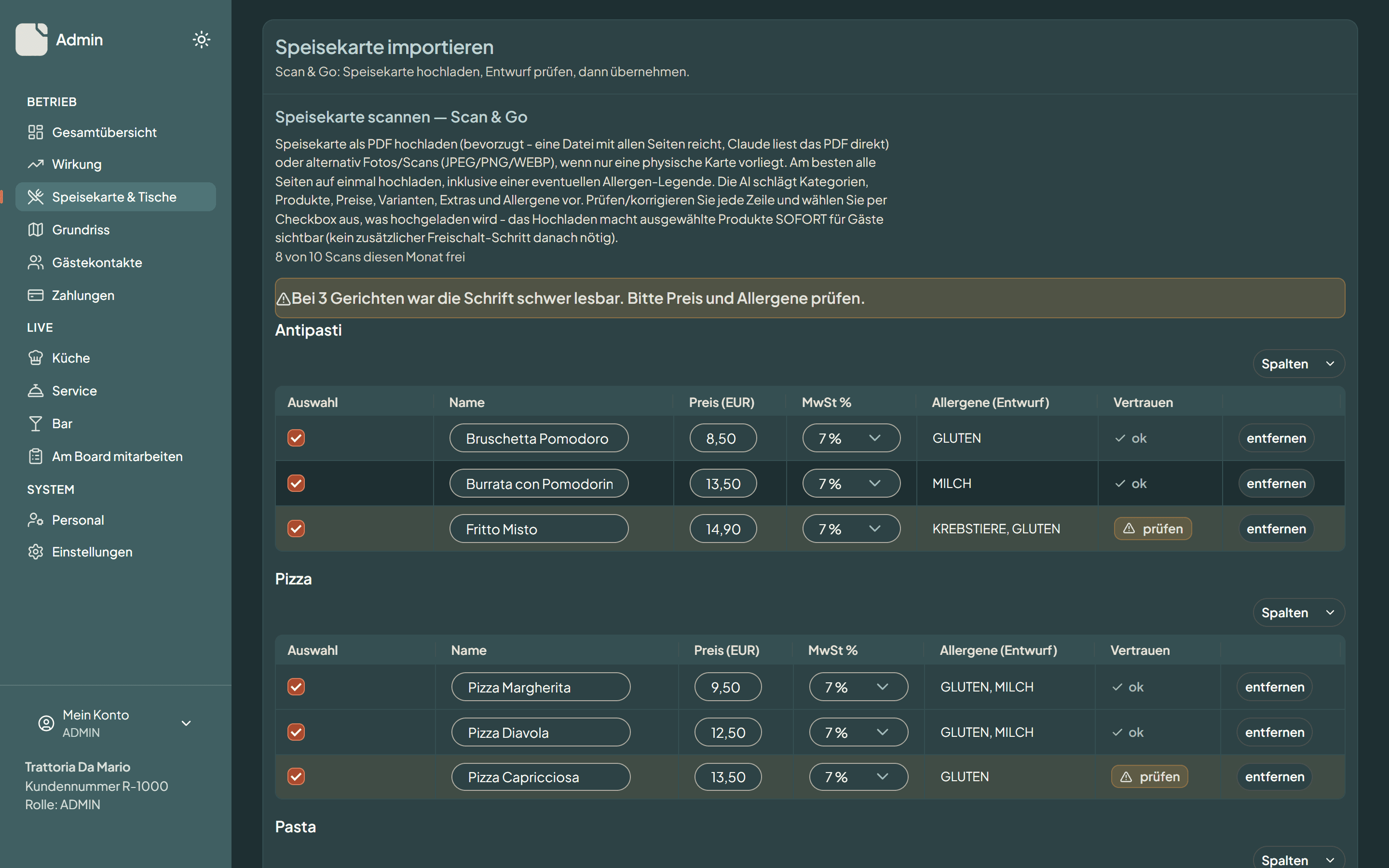
We import your menu together: a photo or PDF, which MesaSnap reads for dishes, prices and descriptions. Uncertain fields are marked, you check and approve. Nothing goes online without your approval.
- A photo or PDF is enough
- Review screen with uncertain fields marked
- Translated into up to 35 languages if you wish
-
QR codes and tablets arrive by post
We send you the QR codes and two tablets at no extra charge: one for service and bar, one for the kitchen. MesaSnap provides them. The post mainly determines when you start.
- One QR code per table
- Two tablets in the package, at no extra charge
- Meanwhile we set up your tables for you
- QR codes
- Two tablets
-
Set up and brief the team
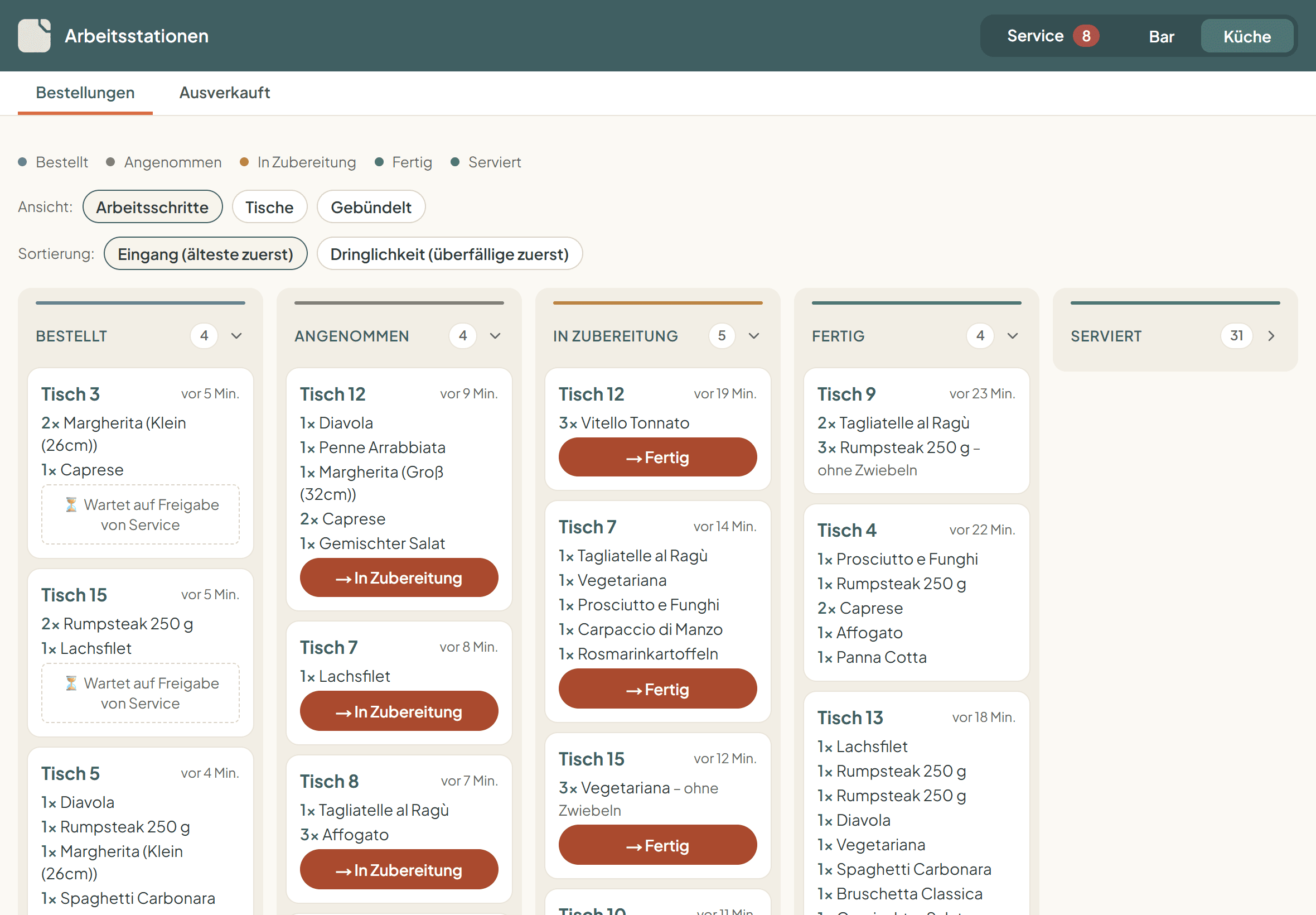
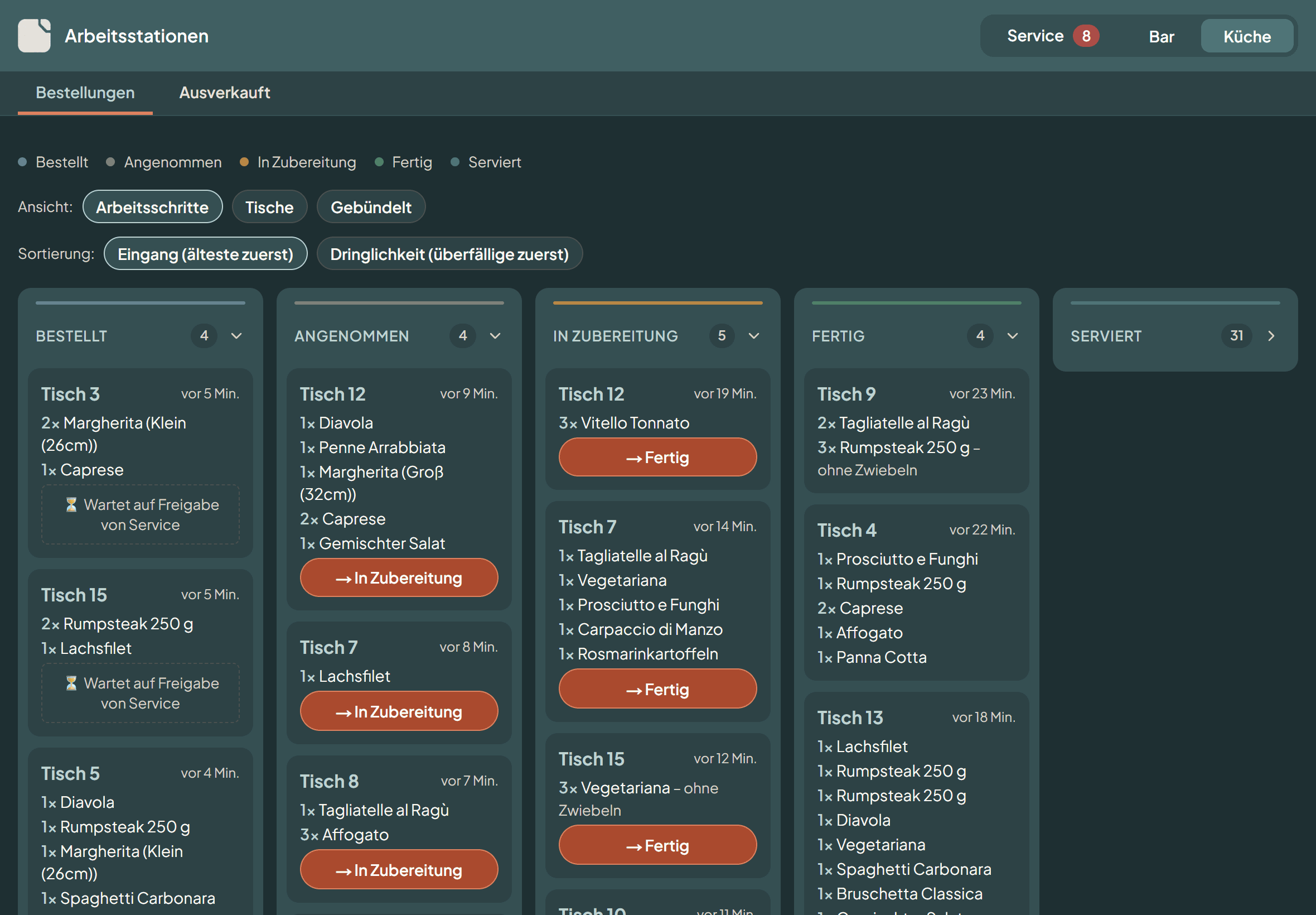
Put the QR codes in a stand or a changeable frame and switch on the tablets. Kitchen, bar and service get their own views, and sign-in is by PIN. Your team learns the operation in a short briefing, together with us if you like.
- A separate view per station
- New orders with a sound
- Roles and individual permissions can be set
-
Get going
Your guests scan and order, and your team works as usual, just without slips of paper. Guests who prefer to order or pay at the counter still can.
- Ordering at their own pace
- Paying at the table or at the counter
- Your existing till keeps running
-
Review the numbers
After the first evenings you see reliable figures for your next decisions: by dish, by time of day, by table.
- Revenue, orders, processing time
- Most ordered dishes
- Effect of add-on recommendations, measured openly
What you need
Less than you probably think. No new till, and no hardware you have to buy.
-
Wi-Fi or mobile signal
Your guests get online with mobile data or your Wi-Fi. A stable connection in the venue is sensible.
-
Your menu
As a photo or PDF. We take care of the rest together.
-
Room for the QR stands
We send you the codes by post. One stand or changeable frame per table is enough.
-
Two tablets from us
One for service and bar, one for the kitchen, at no extra charge. Your guests use their own phones.
How we support you
MesaSnap comes from people who take hospitality seriously. You can reach us personally.
- A personal contact
- Real people instead of an anonymous hotline. We know our partner businesses.
- Help with the set-up
- With the menu import and the first settings, we are at your side.
- There after the start
- If questions come up after the first evenings, speak to us directly.
Short questions about getting started
How long does the set-up take?
From your go-ahead you are usually online in under a week. The time is set mainly by the post delivering the QR codes and the tablets. The set-up itself, meaning importing the menu and setting up the tables, takes only hours. We support you personally.
Do I have to close the business for it?
No. MesaSnap runs in the browser alongside your till, and your business keeps running meanwhile.
Do the tablets cost extra?
No. Two tablets are in the package at no extra charge: one for service and bar, one for the kitchen. MesaSnap provides them.
When should it start at your place?
Let us briefly talk about what needs doing at your place and where to begin. In person, with no obligation.